
Loading game...
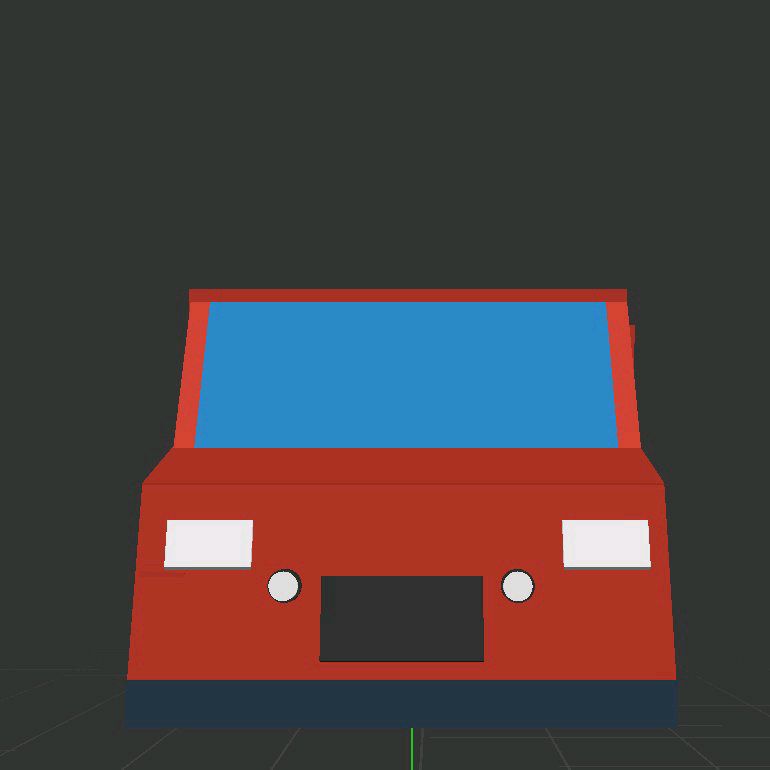 Dominator One
3D Code Constructor
Ready to bring your programming ideas to life? Jump into 3D Code Constructor, the ultimate web-based coding sandbox where logic meets creativity. Whether you're a beginner learning JavaScript or a creative coder testing new concepts, this interactive simulator lets you spawn 3D primitives and manipulate them in real-time. With a sleek cyberpunk aesthetic and a live execution engine, you can instantly see how your code affects rotation, color, and position in a fully dynamic 3D scene. Best of all, it's completely mobile-friendly with zero setup required. If you love experimenting with visual logic, you can also explore more creative tools to expand your digital canvas. Play Code Constructor online today and start building!
How to Play 3D Code Constructor
Getting started with 3D Code Constructor is simple and incredibly rewarding. First, use the intuitive split-screen interface to spawn 3D objects like cubes, spheres, or toruses into your dark mode viewport. Next, dive into the code editor at the bottom of your screen to write real-time JavaScript commands. You can type manual inputs or use the handy quick snippet toolbar to instantly add rotation, bounce, or color-changing effects. Click the execute button to watch your script compile instantly and bring the 3D scene to life. Drag or swipe across the screen to control the camera view, giving you a perfect angle on your creations. Keep an eye on the live FPS counter to optimize your code's performance, and watch out for helpful toast notifications that guide you through syntax errors.
Tips & Tricks for 3D Code Constructor
Want to master this JavaScript simulator? Here are a few handy tips. Start small by experimenting with basic rotation and scale snippets before writing complex math functions. This helps you understand how the real-time execution engine processes your commands. Use the camera controls frequently to inspect your 3D primitives from all angles, ensuring your positioning code works perfectly in three-dimensional space. Pay close attention to the built-in toast notifications, as they're your best friends for quickly debugging syntax errors. Finally, don't be afraid to mix multiple effects like bouncing and neon color shifts for a truly cyberpunk aesthetic. Ready for another challenge? Check out similar creative tools to keep your coding journey going.


Unblock More Fun on Mobile!
Scan to Keep Playing!