
Loading game...
 Angel Gabriel Abreu perez
BloxHub
Welcome to the ultimate metaverse experience where your imagination is the only limit. Play BloxHub unblocked online free and dive into a massive sandbox simulator that lets you both create and explore dynamic 3D worlds directly in your browser. Whether you are navigating procedurally generated horror mazes, racing on neon tracks, or customizing your avatar in the shop, there is always something new to discover. Aspiring developers can even use the built-in Blox Studio to build, script, and animate their own mini-games from scratch. If you love building and managing virtual worlds, you can explore more simulation games to fuel your creativity.
How to Play BloxHub
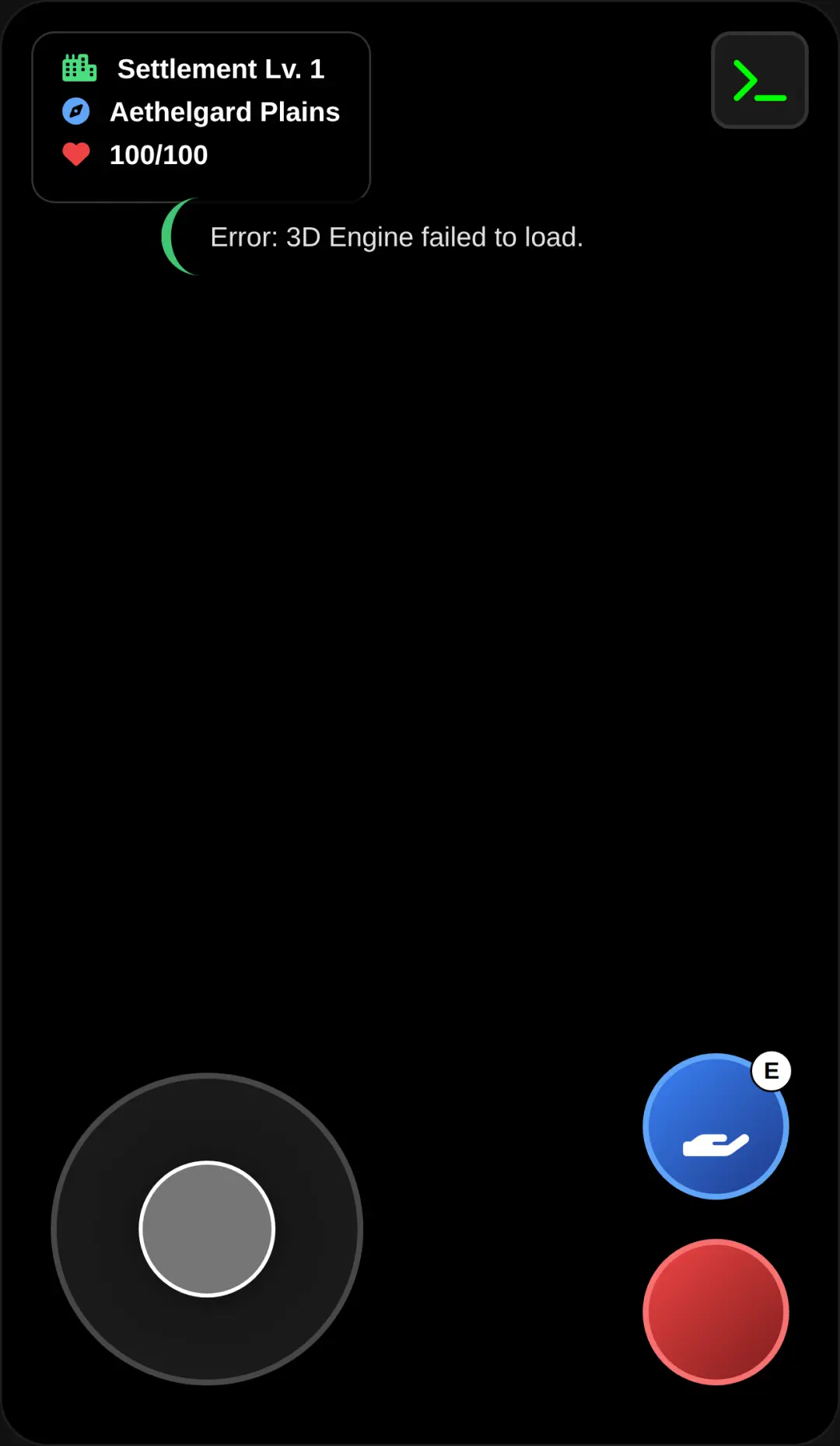
Getting started with this comprehensive game engine is simple, whether you want to play existing games or create your own. When you enter the hub, use the virtual joystick or the WASD keys for 3D movement. You can adjust your view by using touch drag or your mouse for camera rotation and panning. On-screen buttons or the spacebar will allow you to jump and perform special actions within the different game modes like Roleplay, Obby, or Racing. If you want to build, open Blox Studio from the main menu. Here, you can place primitive shapes, use sliders to edit object properties like scale and rotation, and input text for custom open-code scripting. Tap and click interactions make UI navigation and purchasing items with Bloneys completely seamless.
Tips & Tricks for BloxHub
To master the BloxHub game, start by experimenting with the Animation Timeline in the studio. Recording keyframe-based animations will make your custom 3D objects feel alive. Next, take advantage of the Procedural AI Bots. Injecting custom logic and behavior into these NPCs can instantly turn an empty map into a bustling social simulator. Do not forget to save up your Bloneys to unlock exclusive accessories in the Avatar Shop, making your character stand out in multiplayer sessions. Finally, test your creations frequently by switching seamlessly between playing and editing to ensure your game mechanics work perfectly. Ready to discover more virtual environments? Check out similar simulation games to keep the fun going.

Unblock More Fun on Mobile!
Scan to Keep Playing!