
Loading game...
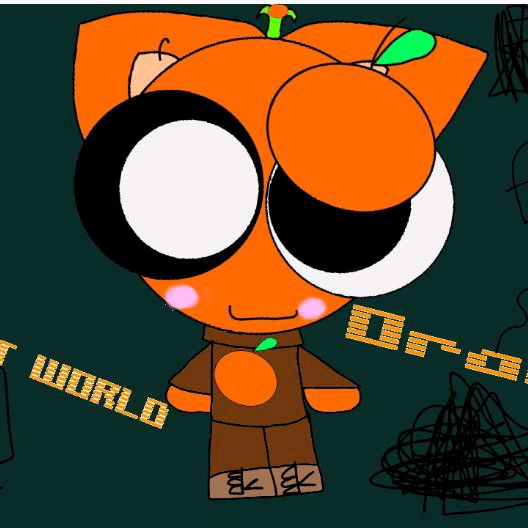 🧡𝕆𝕣𝕒𝕟𝕘𝕖𝕗𝕣𝕦𝕥𝕔𝕒𝕥🧡
Canvas_ditoAD
Looking for a fun way to sketch and share ideas with friends? Welcome to Creative Canvas Co-op, the ultimate real-time multiplayer drawing application. Whether you're a casual doodler or part of a team needing a quick visual brainstorming session, this creative canvas game offers seamless collaboration without any registration. Just generate an 8-digit code, invite your friends, and start drawing instantly. The app features a modern, minimalist interface with satisfying procedural audio that reacts to your strokes. It's completely free and requires no downloads. If you love expressing your artistic side, you can explore more creative tools on our platform to keep your imagination flowing.
How to Play Creative Canvas Co-op
Getting started with this collaborative drawing app is incredibly simple. When you launch the game, you'll enter the main lobby. From there, you can either create a brand new private room or join an existing session by entering a friend's 8-digit code. Once inside the canvas, use your mouse, touch screen, or pointer to start dragging and drawing. The translucent toolbar at the bottom allows you to select different colors, adjust your brush size, or switch to the eraser tool if you make a mistake. You can also undo your recent strokes with a single click. The best part is that everything syncs in real-time across all devices, so you'll see your friends' drawings appear instantly. When your masterpiece is finished, simply tap the save button to export your high-quality artwork as a JPG file.
Tips & Tricks for Creative Canvas Co-op
To get the most out of your collaborative sessions, communication is key. Since the game syncs strokes instantly, try assigning different sections of the canvas or specific colors to each player to avoid drawing over someone's work. Take advantage of the undo button for quick corrections rather than manually erasing large areas. If you're playing on a mobile device, zooming in helps you add finer details. Listen to the audio feedback, as it changes based on your brush size, adding a satisfying layer to your experience. Ready for more fun? Check out other fantastic creative tools to discover new ways to create.

Unblock More Fun on Mobile!
Scan to Keep Playing!