
Loading game...
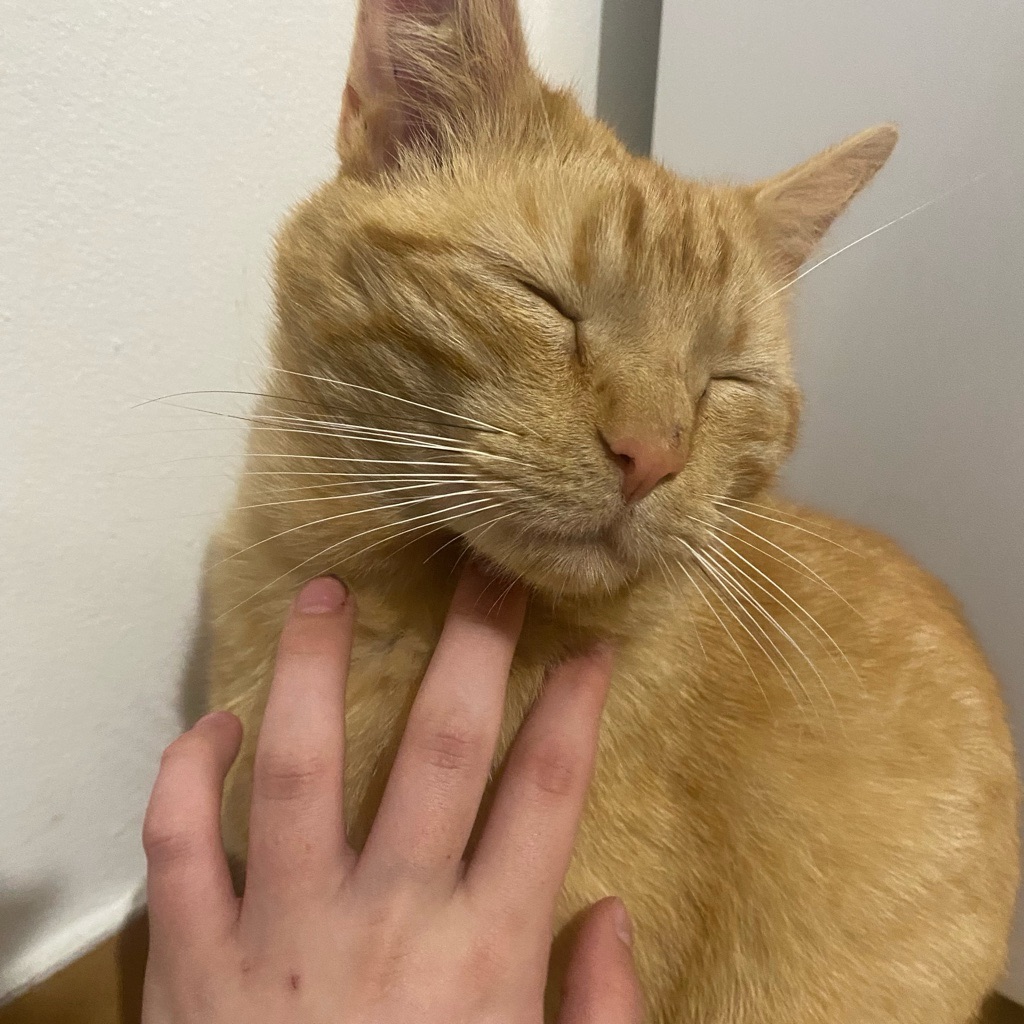 catcrosoft miau officiel
 Catcrosoft 7 Pro 25h7
Step back into the golden era of computing with Catcrosoft 7 Pro, an incredible Windows 7 OS simulator that works directly in your browser. Whether you are feeling nostalgic or just looking for a unique interactive experience, this game has everything you need. You can play Catcrosoft 7 Pro online free no download required, making it perfect for quick sessions. Explore the authentic Aero Glass interface, chat with the built-in Copilot Lite AI, or pass the time with classic drawing tools and mini-games. The interactive desktop environment lets you drag, drop, and customize your virtual workspace seamlessly. If you enjoy discovering creative web experiences, you can always explore more other casual simulators to keep the fun going.
How to Play Catcrosoft 7 Pro
Learning how to play Catcrosoft 7 Pro is incredibly intuitive because it mimics a real operating system. Start by clicking the screen to bypass the classic login page and enter your virtual desktop. From there, you can use your mouse to click, drag, and drop various application windows just like you would on a real computer. Open the Start Menu to access core features, including the MS Paint clone for drawing or the App Store simulation to install new programs. If you want to chat, simply launch the Copilot Lite AI and start typing your questions. You can also resize or minimize any active windows to keep your workspace organized. For gamers, double-click the Roblox Mini icon to enjoy a fun falling block clicker game right on your desktop.
Tips & Tricks for Catcrosoft 7 Pro
Mastering this unique environment is easy with a few handy Catcrosoft 7 Pro tips and tricks. First, take advantage of the customizable desktop wallpaper to personalize your virtual space exactly how you like it. Second, don't forget to test the AI chatbot's limits; Copilot Lite can provide surprisingly interactive and entertaining responses. Third, manage your screen space effectively by minimizing apps you aren't actively using, which helps maintain that authentic OS feel without cluttering your view. Finally, listen closely to the simulated OS sounds for that extra hit of nostalgia. Once you've explored every corner of this virtual desktop, be sure to check out similar other interactive games for even more browser-based entertainment.

Unblock More Fun on Mobile!
Scan to Keep Playing!