
Loading game...
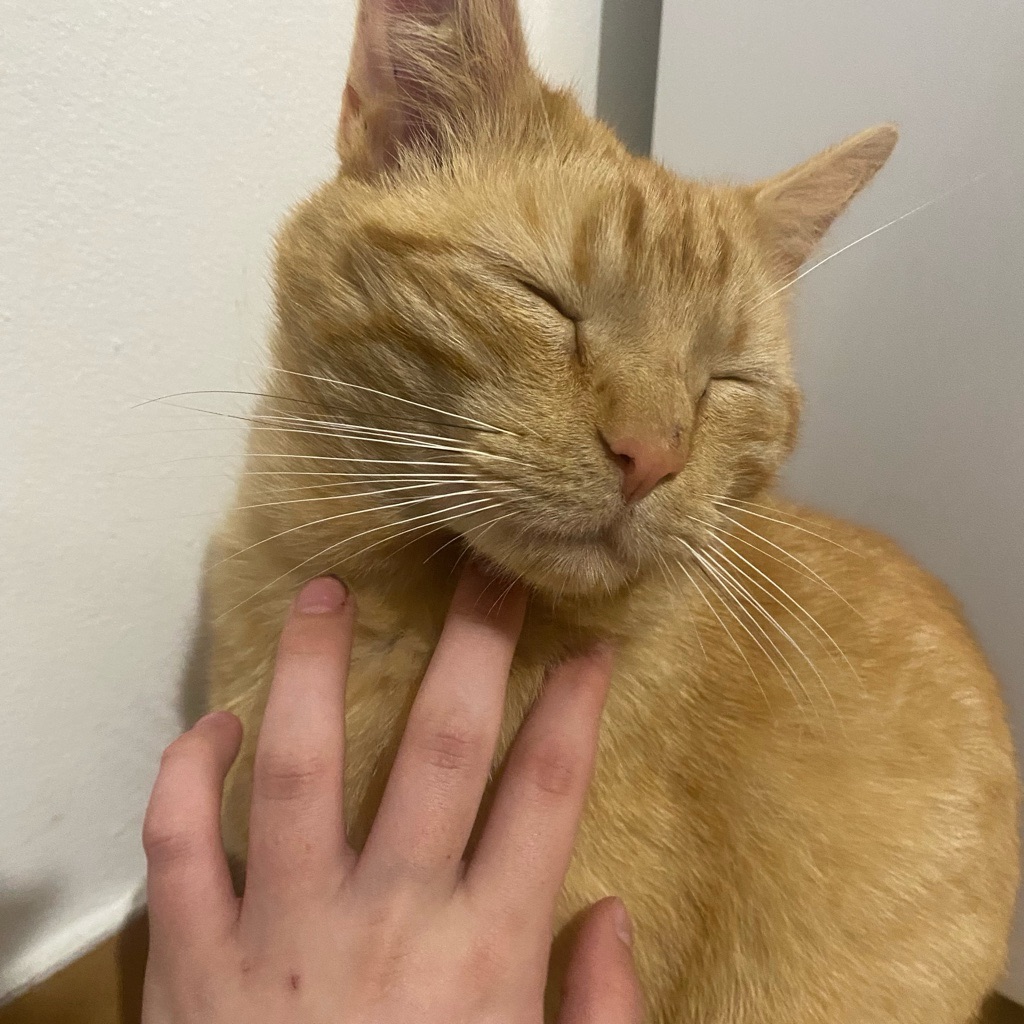 catcrosoft miau officiel
 Catcrosoft Lion (98)
Step back into the late nineties with Catcrosoft Lion (98), a hilarious and interactive retro OS simulator. If you love nostalgia and quirky web experiences, this cat-themed parody operating system is exactly what you need. Boot up the classic login screen and explore a fully functional Windows 98 style desktop environment. You can play a complete Minesweeper clone, draw in a retro Paint app, and organize your draggable desktop windows. It's the ultimate blast from the past mixed with feline humor. Ready for more unique web gems? You can explore more other interactive simulations right here on our platform. Jump in and play this Catcrosoft game online for free today!
How to Play Catcrosoft Lion (98)
Getting started with Catcrosoft Lion (98) is as easy as booting up an old family computer. First, watch the simulated BIOS sequence and click past the nostalgic login screen to access your teal desktop. From there, you interact with the environment just like a real operating system using your mouse or touchscreen. Click on the pixelated icons to launch various mini-apps. You can open the Paint application to draw using HTML5 canvas tools, or type notes directly into the functional Notepad. The window management system allows you to drag, drop, maximize, and close multiple windows simultaneously. Don't forget to double-click the Minesweeper icon to enjoy a fully playable clone of the classic puzzle game. Your desktop wallpaper and Notepad contents even save automatically, so your personalized retro workspace will be waiting for your next visit.
Tips & Tricks for Catcrosoft Lion (98)
Mastering this retro simulation is all about exploring its hidden features. First, try opening multiple applications at once to test the robust window management system; you can drag them around to organize your perfect vintage workspace. Second, use the Notepad to jot down actual reminders since the game features persistent state saving that remembers your text. Third, practice your Minesweeper skills by utilizing the classic right-click flagging mechanic to avoid hidden bombs. Finally, take time to customize your desktop's look through the simulated settings. If you are hungry for more nostalgic and unusual gameplay experiences, be sure to check out similar other quirky titles to keep the fun going!


Unblock More Fun on Mobile!
Scan to Keep Playing!