
Loading game...
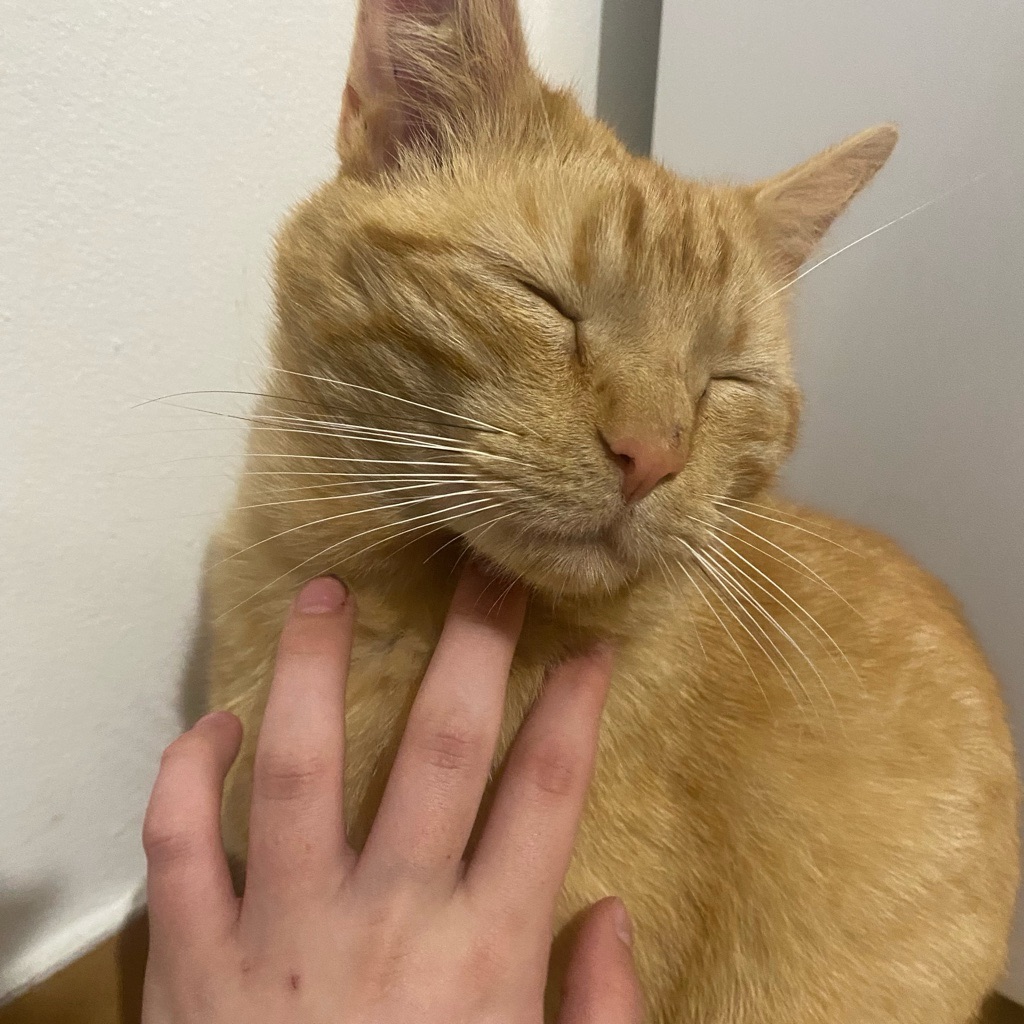 catcrosoft miau officiel
 Catcrosoft OS 10 22h6
Welcome to Catcrosoft OS 10, the ultimate cat-themed fake Windows simulator that brings a humorous twist to your desktop experience. Whether you are a fan of retro tech or just love a good meme, this interactive sandbox environment has it all. Boot up to a nostalgic BIOS screen, drag glassmorphism windows around, and explore mock applications like the Catcrosoft Store. Want to cause some chaos? You can even trigger a classic Blue Screen of Death and watch the system automatically reboot. It is a completely free browser game that requires no download. If you enjoy unique interactive experiences, you can explore more other quirky web simulations to keep the fun going.
How to Play Catcrosoft OS 10
Getting started with Catcrosoft OS 10 is incredibly easy since it runs directly in your browser. First, wait for the retro BIOS boot sequence to finish and listen for the nostalgic startup sounds. Once the desktop loads, you can use your mouse or touchscreen to interact with the environment. Click on the Start Menu to explore available applications, or open the fake Catcrosoft Store to watch mock downloading animations. You can drag and drop window title bars to organize your workspace, just like a real operating system. If you want to test the built-in self-destruct feature, simply locate the crash utility and click it to trigger the infamous Blue Screen of Death. The system will automatically restart, letting you enjoy the boot sequence all over again. Customize your wallpaper and theme colors in the system settings to make the desktop your own.
Tips & Tricks for Catcrosoft OS 10
To get the most out of your simulated desktop experience, try opening multiple application windows at once to test the smooth window management and dragging mechanics. Don't forget to check the fake system settings to view your hilarious hardware specs, like the CatCore i9-Meow processor. Pay close attention to the error codes when you trigger the system crash, as they contain funny cat-themed parody messages. Finally, make sure your sound is turned on so you don't miss the retro audio effects and hardware error noises. If you love discovering hidden parody software, be sure to find similar other experimental games in our collection.

Unblock More Fun on Mobile!
Scan to Keep Playing!