
Loading game...
 Brittni Pierce
Computer sandbox/satisfying #
Welcome to the ultimate virtual desktop experience! Cyber-OS Sandbox is a highly satisfying 3D computer simulator that blends a functional 2D operating system with an interactive physical desk environment. If you want to play Cyber-OS online, you're in for a treat. You can click the tactile 3D keyboard, drag the virtual mouse, and explore a fully working window manager right in your browser. From classic retro mini-games like Minesweeper and Snake to built-in productivity tools, this game offers endless ways to interact and relax. Ready for more unique digital toys? You can explore more other satisfying simulators to keep your hands busy and your mind entertained.
How to Play Cyber-OS Sandbox
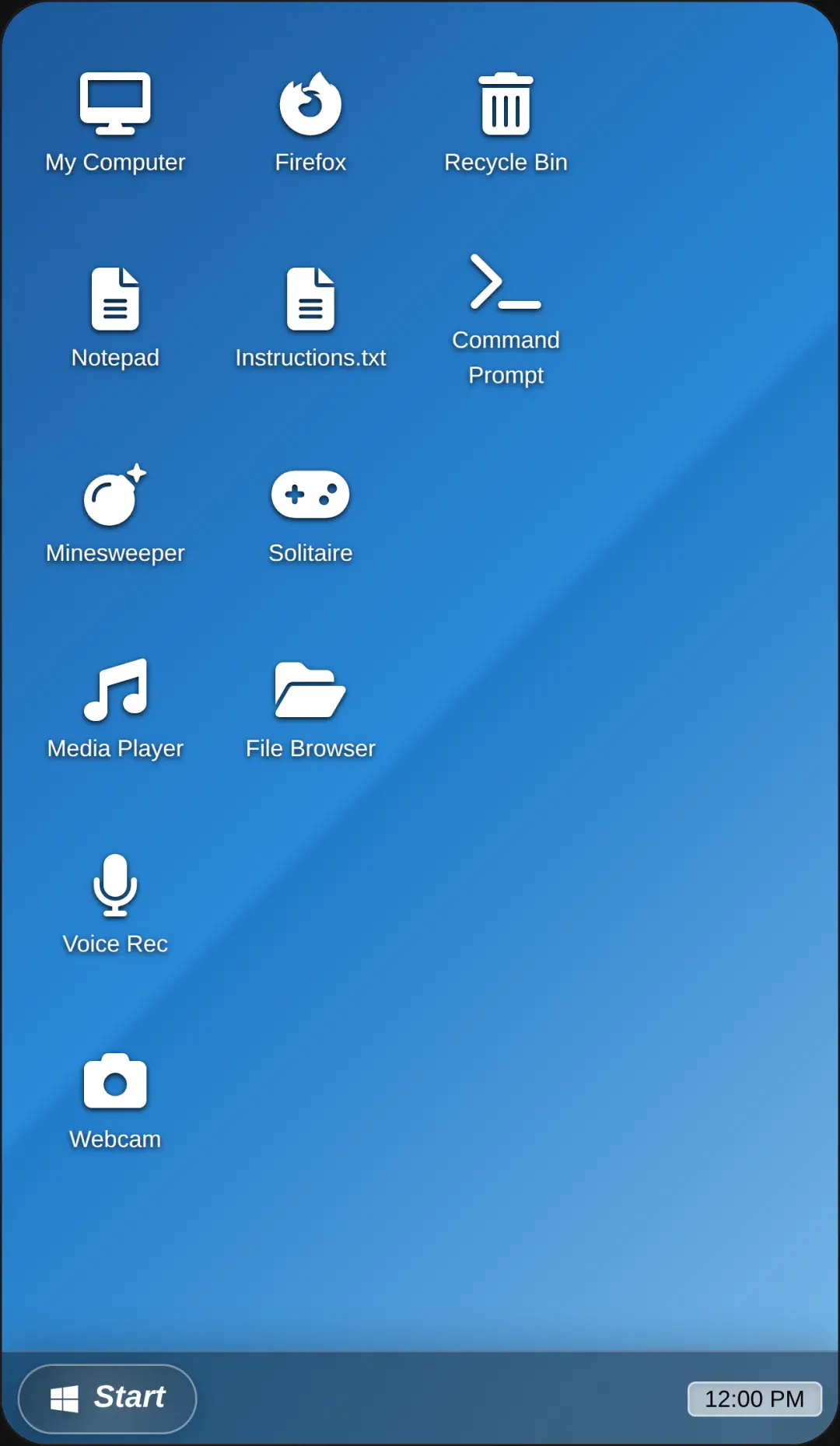
Learning how to play Cyber-OS Sandbox is incredibly intuitive, especially if you are familiar with standard computer interfaces. Start by using your real mouse to click and drag the 3D virtual mouse on the desk, which moves the cursor on the simulated monitor. You can also click the keys on the 3D keyboard to hear satisfying mechanical typing sounds. Navigate the desktop by opening the start menu or clicking on desktop icons to launch the twelve built-in mini-apps. You can drag window title bars to move applications around, or use the minimize, maximize, and close buttons just like a real operating system. Whether you are building a 3D voxel masterpiece, playing a quick round of Pong, or typing in the retro terminal, the interactive UI responds smoothly to every input.
Tips & Tricks for Cyber-OS Sandbox
To get the most out of your cyber os game experience, try customizing the visual settings to match your vibe. Switch between dark and light themes to see how the neon cyan and magenta accents pop against the frosted glass UI. Don't forget to test out the procedural sound effects by rapidly typing on the virtual keyboard for a relaxing ASMR experience. For a fun challenge, try running multiple mini-games at once using the fully functional window manager. If you love discovering hidden features and tactile UI toys, make sure to discover similar other interactive sandbox games in our collection today.

Unblock More Fun on Mobile!
Scan to Keep Playing!