
Loading game...
 Madhav Saraswat
Creative Builder 3D
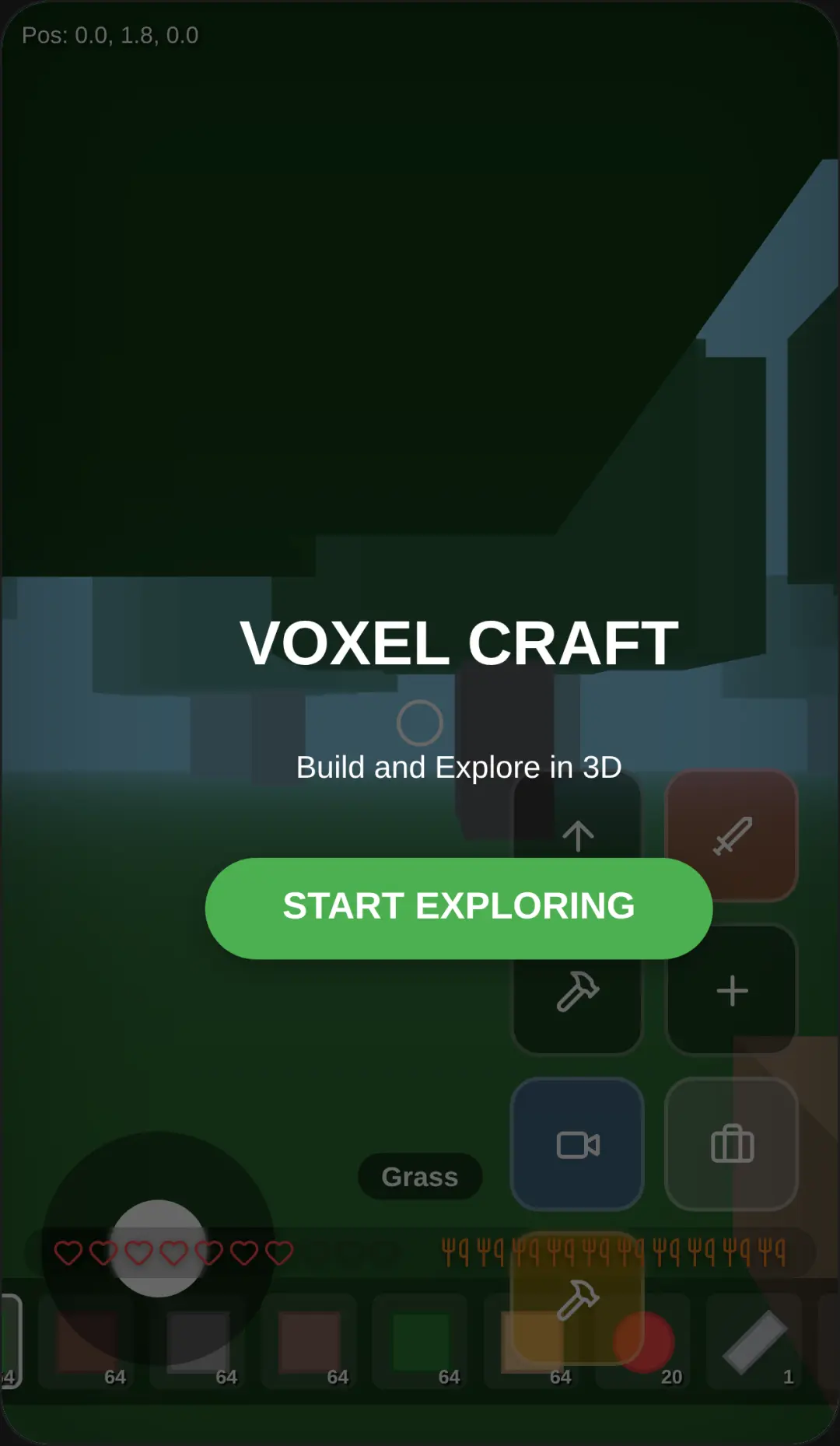
Dive into a limitless world of imagination with Creative Builder 3D unblocked. This engaging 3D voxel sandbox game allows you to explore procedurally generated landscapes, fly across the sky, and craft your own virtual universe. Whether you want to construct towering castles using stone and glass or design cozy wooden cabins, this creative builder game offers endless possibilities right in your browser. The smooth touch controls and lightweight performance make it perfect for mobile and desktop players alike. Best of all, there's no download required to start your architectural journey. If you love crafting and building, you can explore more simulation games to satisfy your creative itch.
How to Play Creative Builder 3D
Getting started with Creative Builder online is incredibly intuitive, even if you are new to voxel building simulators. Use the on-screen joystick to move horizontally across the terrain, and drag anywhere on the screen to rotate your camera and look around. When you want to get a bird's-eye view of your masterpiece, utilize the vertical movement buttons to fly up or down. To interact with the world, simply tap the toggle button to switch between build and break modes. You can select different materials like grass, dirt, wood, or glowing blocks by tapping the hotbar at the bottom of your screen. A handy highlight box will show you exactly where your block will be placed or broken. With these simple controls, you're ready to shape the world exactly as you envision it.
Tips & Tricks for Creative Builder 3D
Mastering this creative builder free game is all about efficiency and imagination. First, take advantage of the flight mechanic to quickly lay down large roofs or tall walls without needing to build temporary staircases. Second, experiment with glowing blocks to add atmospheric lighting to your structures, especially when customizing the sky color for a nighttime vibe. Third, always double-check your build or break mode toggle before tapping the screen to avoid accidentally destroying your hard work. Finally, plan your color palettes using the pixel-art style textures to make your creations stand out. Ready for another challenge? Check out other voxel simulation games to keep the fun going.


Unblock More Fun on Mobile!
Scan to Keep Playing!