
Loading game...
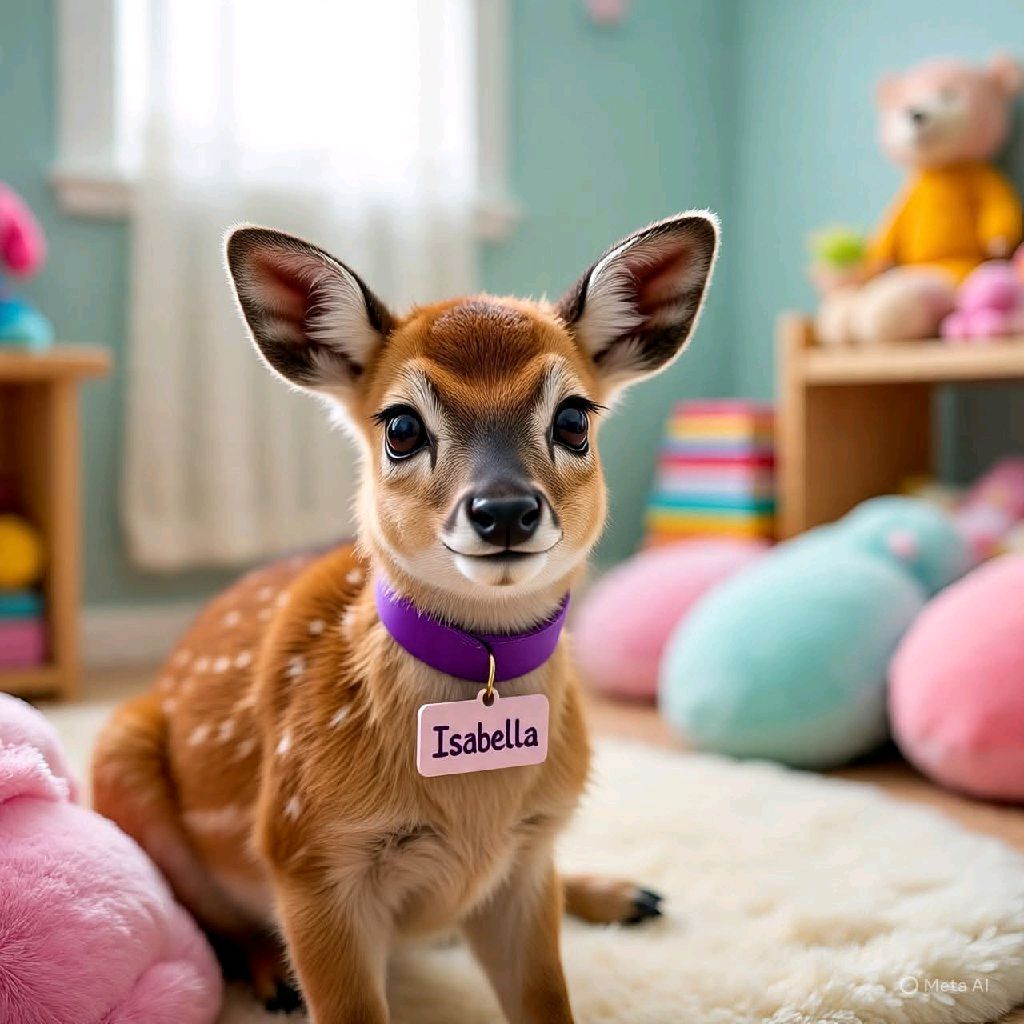 DeerFawn_Bella
Deer Sketch & Draw
Welcome to the relaxing world of Deer Sketch & Draw unblocked, the ultimate digital drawing app designed for artists of all ages. Whether you're looking to play deer sketch online or simply want a fun deer drawing game to pass the time, this vibrant coloring experience has you covered. Dive into a warm, child-friendly interface filled with adorable deer-themed templates. You can customize your brush size, pick the perfect colors, and let your imagination run wild. Best of all, it's completely free and requires no download. If you enjoy unleashing your inner artist, you can always explore more creative tools to keep the inspiration flowing. Start your colorful journey today!
How to Play Deer Sketch & Draw
Learning how to play deer sketch is incredibly simple and intuitive. First, launch the deer sketch game directly in your browser. You'll be greeted by a clean, floating toolbar and a template carousel. Swipe or click through the carousel to select your favorite cute deer template. Once your canvas is ready, tap the brush icon to customize your drawing tool's size and color from a warm amber and orange palette. Use your touchscreen, mouse, or trackpad to start drawing or coloring over the template. If you make a mistake, don't worry! Simply select the eraser tool or use the handy undo button to fix it. You can also clear the entire canvas if you want a fresh start. When your masterpiece is complete, use the one-click Snapdom feature to share your beautiful artwork with friends.
Tips & Tricks for Deer Sketch & Draw
Ready to master this free deer coloring game online? Here are a few handy tips to elevate your artwork. First, experiment with different brush sizes. Use a larger brush for quickly filling in big areas and a smaller one for fine details. Second, take advantage of the relaxing background music to stay focused and calm while you create. Third, don't be afraid to mix unconventional colors to give your deer a unique, magical look. Finally, remember to use the undo button frequently instead of the eraser if you want to quickly step back. Once you've finished your masterpiece, be sure to discover similar creative tools for endless artistic fun!

Unblock More Fun on Mobile!
Scan to Keep Playing!