
Loading game...
 sakuyaJL_43
don't tell Roblox, but I copied it
Welcome to the ultimate 2D roblox clone game where creativity meets chaotic fun! In Don't Tell Roblox, But I Copied It, you get to experience a unique top-down social and combat hub right in your browser. Whether you are looking to test your skills against training dummies, dive into intense boss fights in The Pit, or just chill with simulated multiplayer NPCs in The Lounge, this game has it all. It masterfully blends action-packed minigames with interactive chat room elements, creating a highly customizable sandbox environment. If you love discovering creative sandbox worlds, you can explore more simulation games that offer endless freedom and engaging mechanics. Step into this dark industrial world and see what secrets await!
How to Play Don't Tell Roblox, But I Copied It
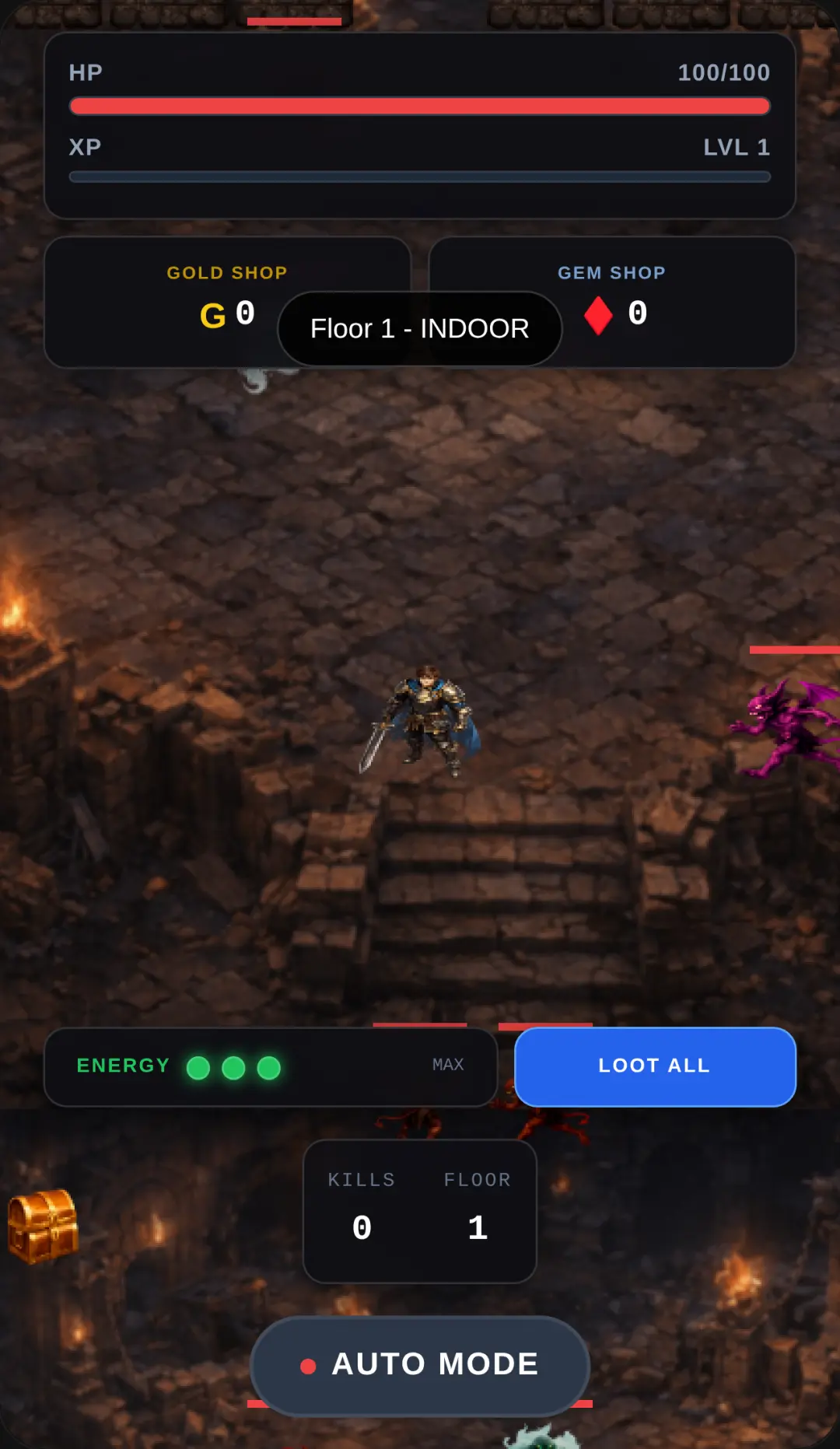
Mastering this 2D simulator is easy once you understand the controls. First, use the virtual joystick on your screen to navigate your character through the dark industrial lobby. As you explore, you will find training dummies where you can use the virtual action buttons to practice your attacks and see satisfying damage numbers. To engage in deeper gameplay, look for interactive terminals. When you get close to one, a context button will automatically appear. Click or touch this button to open modal windows and access the main minigames. Choose The Pit for an intense clicker-style boss battle where rapid tapping is key to victory. Alternatively, enter The Lounge to experience a simulated multiplayer chat room, where you can interact with NPCs and choose various dialogue options. The entire interface is designed for seamless transitions between free exploration and focused action.
Tips & Tricks for Don't Tell Roblox, But I Copied It
To get the most out of your experience, start by spending some time in the lobby practicing your movement and attack timing on the dummies. This will prepare you for the fast-paced clicking required in The Pit boss fights. When interacting in The Lounge, pay attention to the NPC dialogue feedback, as it adds depth to the simulated multiplayer environment. Don't forget to explore the dynamic UI features; buttons will only appear when you are in the right spot, so walk around every corner of the map. If you enjoy games that let you interact with unique virtual environments, be sure to check out similar simulation games for even more creative adventures.


Unblock More Fun on Mobile!
Scan to Keep Playing!