
Loading game...
 Maricel
EFFECTS v2
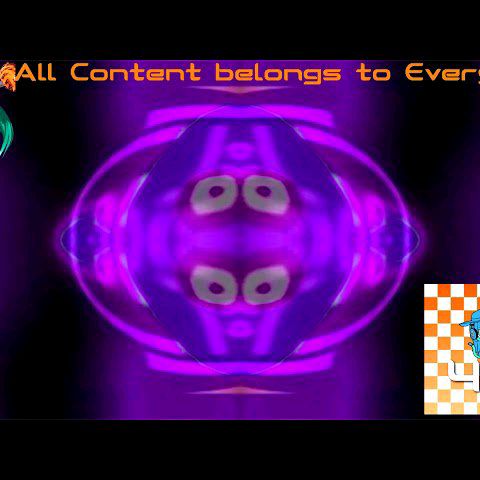
Dive into the ultimate meme creation experience with EFFECTS v2 unblocked, the perfect browser-based application for transforming your photos and videos into hilarious internet masterpieces. Whether you want to apply the iconic G Major filter, the chaotic Devil's blast, or the classic Luigi Group distortion, this effects v2 online free tool handles everything smoothly. You don't need expensive editing software to make viral content. Simply upload your media and let the real-time pixel manipulation do the heavy lifting right in your browser. If you love experimenting with unique visual distortions and want to expand your creative arsenal, you can always explore more ai photo tools on our platform to find fresh inspiration.
How to Play EFFECTS v2
Getting started with the effects v2 app is incredibly easy and requires no download. First, simply tap or click on the upload area to import your favorite image or video file directly from your device. Once your media is loaded onto the dark-themed central canvas, scroll through the vibrant grid layout at the bottom to browse over twenty distinct visual filters. Click on any thumbnail featuring the star icon to instantly apply complex effects like wave distortions or RGB color swapping. If you're editing a video, utilize the handy play and pause toggle controls to preview the real-time processing. Want to see the difference? Just hold down the compare button to temporarily view your original, unfiltered media. When you are satisfied with your meme masterpiece, tap the share icon to instantly capture and export your edited frame.
Tips & Tricks for EFFECTS v2
To get the most out of your editing sessions, keep these simple tips in mind. First, utilize the hold-to-compare feature frequently; it's the best way to ensure your visual distortions aren't completely washing out the original subject. Second, try combining short, looping videos with intense effects like G Major for maximum comedic impact. Third, pay attention to the dynamically generated thumbnails, as they accurately reflect the mathematical distortions of each filter before you apply them. Finally, don't hesitate to experiment with different lighting conditions, as color channel swapping works best on high-contrast images. Ready to discover more creative ways to edit your media? Check out similar ai photo tools to keep the fun going.


Unblock More Fun on Mobile!
Scan to Keep Playing!