
Loading game...
 Maricel
EFFECTS v2
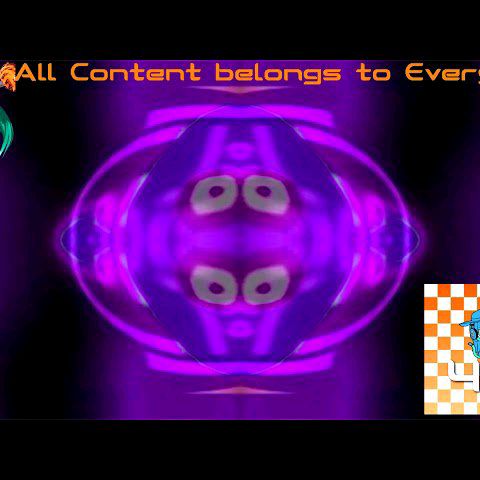
Welcome to EFFECTS v2 unblocked, the ultimate browser-based playground for digital creators. If you are looking for a powerful meme effect generator or a free ytp maker online, you have found the perfect tool. This application allows you to instantly apply complex visual distortions, color filters, and mirroring effects to your photos and videos right in your browser. Without downloading any heavy software, you can experiment with iconic filters like G Major and Devil's Blast in real-time. Whether you are crafting the next viral meme or just having fun warping images, the possibilities are endless. Ready to expand your creative toolkit? You can easily explore more ai photo tools to enhance your editing skills further.
How to Play EFFECTS v2
Getting started with EFFECTS v2 online is incredibly simple and requires no previous video editing experience. First, click or tap the upload area to select a media file from your device. You can choose either a static image or a looping video to begin your project. Once your media is loaded onto the canvas, browse through the scrollable grid of dynamic thumbnails. Each thumbnail visually represents a specific distortion, such as multi-quadrant mirroring or color channel swapping. Click on any filter to apply it instantly. If you are working with a video, you can use the play and pause controls to see the real-time visual distortions in action. To see the difference your edits make, simply hold down the compare button to view the original unedited media. Finally, use the share button to export your masterpiece and show it off to your friends.
Tips & Tricks for EFFECTS v2
To master this powerful video distortion generator, keep a few strategic tips in mind. First, try combining different media types. Looping videos often yield the funniest results when paired with intense filters like the sine wave blast. Second, do not forget to utilize the color isolation features to make specific elements pop before applying heavy distortions. Third, constantly use the compare button to ensure your edits are not completely destroying the original subject's recognizable features, unless that is your goal! Finally, experiment with the unique canvas pixel manipulation tools for precise adjustments. If you enjoyed creating hilarious content here, be sure to check out other similar ai photo tools to keep the creative momentum going.

Unblock More Fun on Mobile!
Scan to Keep Playing!