
Loading game...
 Maricel
EFFECTS v2
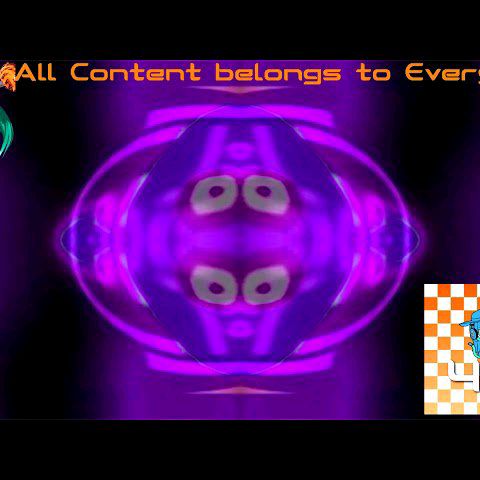
Welcome to the ultimate playground for meme creators and digital artists. EFFECTS v2 unblocked is a powerful, browser-based photo and video filter simulator that lets you transform ordinary media into hilarious, bizarre, or cursed masterpieces. Whether you're aiming for that classic YouTube Poop aesthetic, G-Major distortions, or just want to warp your selfies beyond recognition, this tool handles it all in real-time. You don't need to download heavy editing software to create viral-worthy content. Just upload your files and let the chaos begin. If you're looking to expand your creative arsenal, you can always explore more ai photo tools right here on our platform.
How to Play EFFECTS v2
Getting started with this online simulator is incredibly simple and requires no prior video editing experience. First, tap the upload area to select a photo or video from your device. Once your media is loaded onto the dark mode canvas, you'll see a grid of dynamic effect thumbnails at the bottom of your screen. Tap any icon to instantly apply visual filters like RGB swapping, wave distortions, or specific meme presets like the Luigi Group. If you're editing a video, use the play and pause buttons to control the playback while the effects render in real-time. Want to see the difference? Just hold down the compare button to view your original, unfiltered media. Finally, when you've crafted the perfect cursed image, hit the share button to capture a snapshot and save your creation.
Tips & Tricks for EFFECTS v2
To get the most out of your EFFECTS v2 experience, try layering different concepts in your mind before applying the ultimate meme filter. While you can't stack every single effect simultaneously, rapidly switching between intense distortions like Bulge and CoNfUsIoN during video playback creates a fantastic chaotic vibe. Always utilize the hold-to-compare feature to ensure your edits aren't entirely destroying the original subject's recognizable features. For the best results, use videos with clear, contrasting colors so the RGB channel swapping really pops. Ready to discover even more ways to manipulate your images? Be sure to check out similar ai photo tools to keep your creative momentum going strong.

Unblock More Fun on Mobile!
Scan to Keep Playing!