
Loading game...
 Maricel
EFFECTS v2
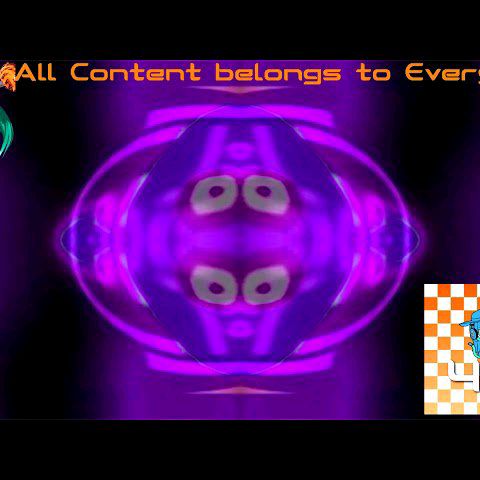
Ready to transform your ordinary media into hilarious, internet-breaking masterpieces? Welcome to EFFECTS v2 online, the ultimate web-based meme video editor that brings your wildest visual ideas to life. Whether you are a dedicated YouTube Poop creator or just someone looking for a fun way to distort everyday photos, this browser tool has everything you need. Instantly apply over twenty unique, real-time visual distortion filters, including fan favorites like G Major and Devil's Blast. All the heavy lifting happens right in your browser, ensuring lightning-fast performance without any downloads. If you love experimenting with creative media, you can explore more ai photo tools to take your visual editing skills to the next level.
How to Play EFFECTS v2
Learning how to play EFFECTS v2 is incredibly simple, making it easy to dive right into chaotic media editing. First, launch the application in your browser and click the central canvas area to upload your chosen image or video file. Once your media loads, you will see a sleek dark mode interface featuring a scrollable grid of dynamic effect icons. Simply tap any thumbnail to apply visual effects instantly. These icons provide a handy preview of the filter's behavior, showing whether it will mirror, invert, or color-shift your content. If you are editing a video, use the play and pause button to control playback while testing different looks. To see how much you have changed the original file, just hold down the compare button for a quick before and after view. Enjoy this effects v2 free tool without any installation.
Tips & Tricks for EFFECTS v2
Want to master the effects v2 editor like a true internet culture enthusiast? Here are some handy tips for your editing sessions. First, experiment with fast-paced videos, as they yield the funniest results when paired with intense filters like CoNfUsIoN. Second, use the hold-to-compare feature frequently to ensure your distortions aren't completely erasing the original subject. Third, utilize the Snapdom integration to quickly capture and share your hilarious screenshots with friends. Finally, since this web app runs entirely on the client side, it's perfect for enjoying effects v2 unblocked at school during your downtime. Ready for more creative fun? Be sure to discover similar ai photo tools to keep the inspiration flowing.

Unblock More Fun on Mobile!
Scan to Keep Playing!