
Loading game...
 💝Zara 22💖
Family Chat Simulator
Welcome to Family Chat Simulator Unblocked, the ultimate virtual companion experience that brings realistic text-based roleplay right to your screen. If you've ever wanted to engage in a hilarious or comforting conversation with an AI-powered family member, this is the perfect game for you. It features an authentic smartphone interface, complete with typing indicators and dynamic responses that feel incredibly lifelike. You'll quickly forget you aren't texting a real person! Whether you're looking for a nostalgic chat or just some quick entertainment during a break, this simulator delivers endless fun without any downloads. If you love interactive narratives, you can also explore more AI games to find your next digital adventure.
How to Play Family Chat Simulator
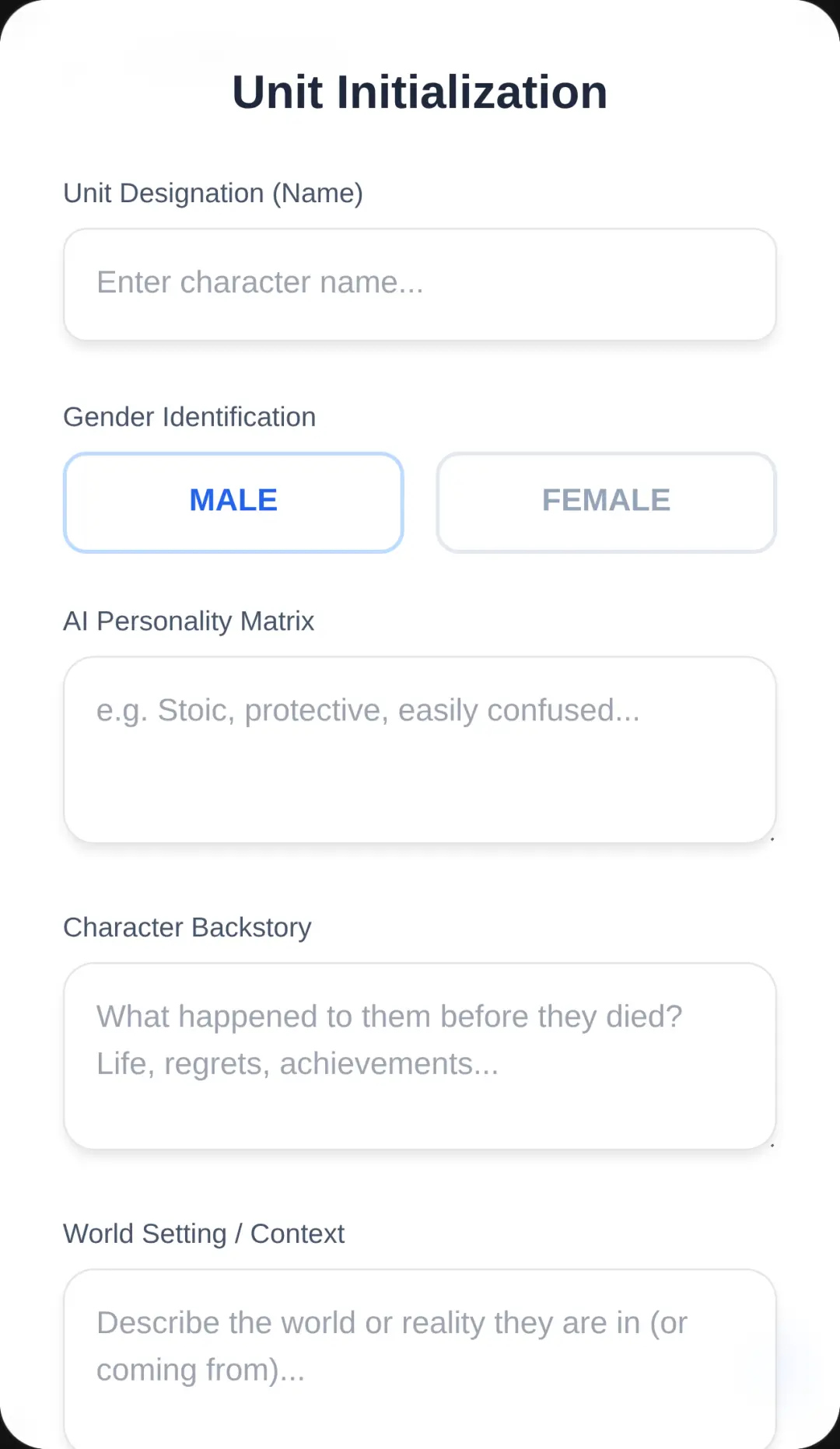
Playing Family Chat Simulator online is incredibly simple and intuitive, especially since the interface perfectly mimics a standard smartphone messaging app. Start by launching the game directly in your browser. Once the chat screen loads, you'll be greeted by your virtual family member's initial message. To respond, simply click or tap on the text input field at the bottom of the screen. Type out your message using your physical keyboard or on-screen keypad, then hit the enter key or press the send button. Watch as the animated typing indicator pops up, adding a realistic delay before the AI generates a context-aware reply. You can customize the AI's persona to change the tone of the conversation, whether you want an overbearing mother or a goofy digital sibling. Keep chatting to see how the emotionally intelligent language model adapts to your unique conversational style!
Tips & Tricks for Family Chat Simulator
To get the most out of your Family Chat Simulator free play sessions, try these helpful tips. First, experiment with different prompts and personas. The AI's advanced language model reacts dynamically, so changing your character's backstory will completely shift the conversation's tone. Second, lean into the roleplay! The more detailed your messages are, the better and more personalized the AI's responses will be. Finally, don't be afraid to test the boundaries of the character's personality with funny or unexpected questions to see how they react. The realistic typing delays make every interaction feel genuine. If you enjoy this kind of smart simulation, make sure to check out similar AI games to keep the fun going.

Unblock More Fun on Mobile!
Scan to Keep Playing!