
Loading game...
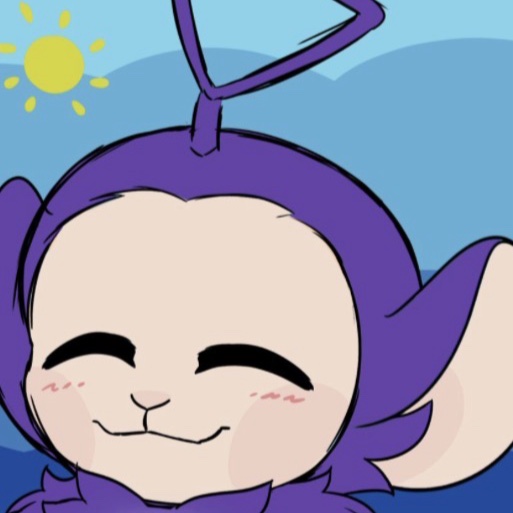 Tinky winky
For people rhat have bad life #forbadlife
Welcome to Safe Space Canvas, your ultimate digital sanctuary designed to help you unwind and find calm. Whether you're having a tough day or simply need a mindful break, this comprehensive relaxation tool offers everything you need to manage stress and anxiety. From guided breathing and a 5-4-3-2-1 grounding exercise to a free-drawing doodle space, every feature is crafted to promote wellness. You can even write down your worries and watch them blow away with the unique release feature. The soft pastel glassmorphic interface and dynamic water ripple effects create an instantly soothing atmosphere. If you're looking for more ways to de-stress, you can explore more relaxing games that bring peace to your mind.
How to Play Safe Space Canvas
Using Safe Space Canvas is completely intuitive and designed to be as stress-free as possible. You can interact with the app using touch, click, or drag motions depending on your device. The main dashboard presents you with eight interactive modules. Click on the guided breathing section to follow the visual prompts for deep, calming breaths. If you're feeling overwhelmed, select the grounding exercise and use your keyboard to type out your sensory observations following the 5-4-3-2-1 method. For creative relief, click and drag your mouse or finger in the doodle space to draw with multiple brush colors. You can also touch anywhere on the background to trigger satisfying water ripple effects accompanied by procedural ambient sounds. To stay on track with your tasks without feeling pressured, simply set the built-in customizable focus timer.
Tips & Tricks for Safe Space Canvas
To get the most out of Safe Space Canvas, try combining different modules for a full wellness routine. Start your session with the guided breathing tool to lower your heart rate, then move to the sensory tiles for immediate tactile feedback. Don't hesitate to use the 'let it go' feature whenever negative thoughts arise; typing them out and watching the animation can be surprisingly therapeutic. If you're studying or working, keep the app open in a background tab and use the focus timer alongside the ambient drone audio to maintain concentration. Remember that there's no right or wrong way to use this tool, so experiment with the drawing canvas to find what calms you best. For more peaceful experiences, check out our collection of calming relaxing games to keep your stress levels low.


Unblock More Fun on Mobile!
Scan to Keep Playing!