
Loading game...
 Maricel
G-Major Video Warper
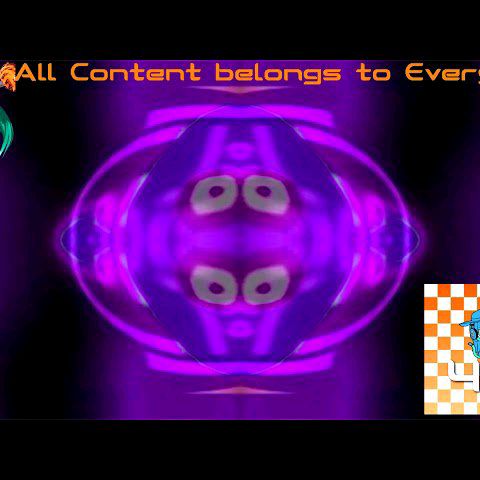
Welcome to G-Major Video Warper, the ultimate browser-based tool for internet culture enthusiasts and meme creators. If you have ever wanted to know how to make a G-Major video without complex editing software, this is your perfect solution. This free video warper online lets you instantly apply bizarre WebGL shader effects to any clip. Whether you are looking for a deep fried video maker online or want to test out the classic creepy G-Major horror effects, it's incredibly easy to use. Just upload your file and start experimenting with thirty-one unique distortion modes. Need a break from the intense meme creation? You can always explore more relaxing games to unwind and clear your creative mind.
How to Play G-Major Video Warper
Learning how to use this video warper is completely straightforward, making it the best G-Major video filter online free tool available. First, upload your local video file directly into the application using the file input button, or use the default video to test the waters. Next, simply click or tap the dark grey panels on the interface to select from thirty-one unique visual shader modes, including the famous Deep Fried, Hue Shift, and Wild Wave effects. You can even mix and layer multiple effects simultaneously for maximum visual distortion. If you want to reverse the color transformations, toggle the global G-Minor mode button. Finally, when you achieve that perfectly cursed meme look, click the built-in capture button to take screenshots and share your hilarious creations with friends. It's a fully responsive experience on both portrait and landscape devices.
Tips & Tricks for G-Major Video Warper
To master this unique G-Major game and create the funniest content, try layering contrasting effects. Combining a Swirl distortion with the Deep Fried filter often yields the most unpredictable and hilarious meme visuals. Don't forget to experiment with the G-Minor toggle, as it completely flips the color palette and gives your videos a fresh, eerie vibe. Keep your uploaded videos relatively short to ensure the real-time WebGL shaders run smoothly without lagging your browser. Also, capture screenshots frequently while the video plays so you don't miss the perfect distorted frame. Once you're done creating chaotic meme masterpieces, take a moment to discover similar relaxing games that will help you chill out.

Unblock More Fun on Mobile!
Scan to Keep Playing!