
Loading game...
 Maricel
G-Major Video Warper
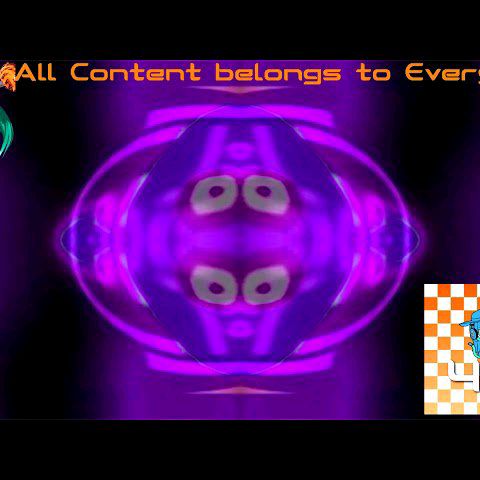
Dive into the chaotic world of internet memes with G-Major Video Warper unblocked, the ultimate real-time video effect simulator. Whether you want to recreate the classic G-Major audio-visual distortion or experiment with wild WebGL shaders, this g major maker has everything you need. You don't need to download heavy software; just launch it directly in your browser. Upload your favorite clips, toggle through dozens of unique visual filters like Deep Fried or Swirl, and watch your footage transform instantly. It's the perfect playground for glitch art enthusiasts and meme editors alike. If you love experimenting with digital media, you can explore more creative tools to push your visual projects even further. Start warping today!
How to Play G-Major Video Warper
Getting started with this video warper game is incredibly simple and requires no installation. First, open the tool in your web browser. You can either use the default video provided or upload your own local video file using the upload button. Once your video is playing, explore the grid-based control panel to apply different visual effects. Click on the various distortion buttons, such as Wave, Color Invert, or the signature G-Major filter, to see real-time changes. You can even mix multiple effects simultaneously to create complex, multi-layered visual chaos. Don't forget to try the global G-Minor inversion toggle for a completely different aesthetic. When you are satisfied with your glitch masterpiece, use the built-in capture feature to snap a screenshot and save your creation. The intuitive dark theme interface makes navigating these powerful WebGL shaders a breeze for any creator.
Tips & Tricks for G-Major Video Warper
To master this g major video effect maker online, start by layering contrasting effects. Combining a Swirl distortion with a Color Invert often yields the most dramatic and hilarious results. Don't be afraid to upload high-quality custom videos, as the real-time WebGL rendering handles them smoothly. If the screen becomes too chaotic, quickly toggle off individual effects rather than refreshing the whole page. Also, use the G-Minor global toggle to instantly flip the mood of your edits without losing your current filter stack. For those who enjoy crafting unique visual aesthetics, be sure to check out similar creative tools to expand your digital editing arsenal.

Unblock More Fun on Mobile!
Scan to Keep Playing!