
Loading game...
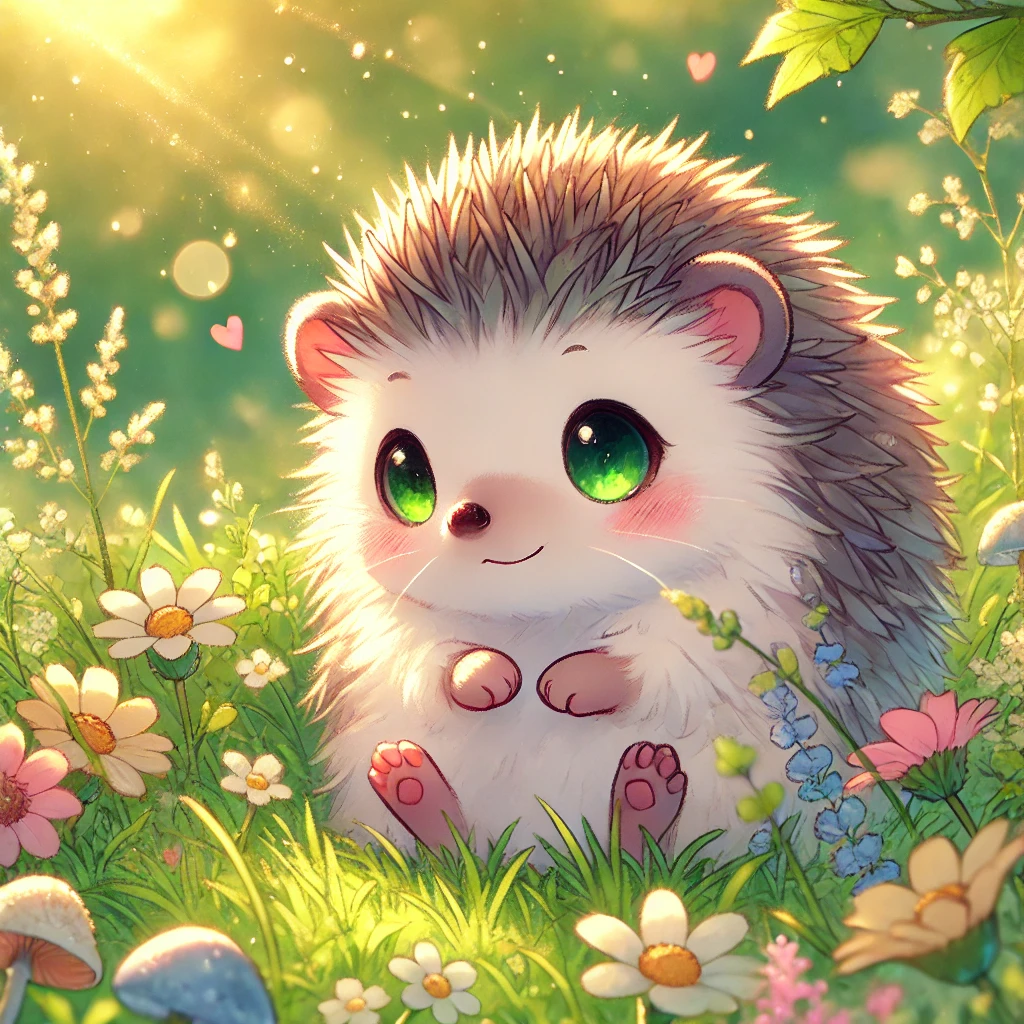 eowardJQ_21
Gangle's Sketchbook
Step into a colorful world of creativity with Gangle's Sketchbook unblocked! This delightful drawing simulator lets you express your artistic side while interacting with your favorite characters from The Amazing Digital Circus. Whether you are a dedicated fan or just looking for a relaxing casual game, this digital canvas offers endless fun. Use brushes, erasers, and stamps to create your masterpiece, earning valuable XP with every stroke. As you level up, you will unlock exciting new colors, unique stamp patterns, and fully voiced characters like Pomni and Jax. Ready to unleash your imagination? You can also explore more creative tools to keep your artistic journey going strong.
How to Play Gangle's Sketchbook
Playing Gangle's Sketchbook online is incredibly intuitive and perfect for all ages. Start by selecting your preferred drawing tool from the basic kit, which includes various brushes, an eraser, and fun stamps. Use your mouse to click and drag across the canvas, or utilize touch controls if you are playing on a mobile device. Every stroke you make generates XP, filling up your progress bar. When you level up, a prompt will appear showing your newly unlocked items, such as vibrant new colors or iconic characters from The Amazing Digital Circus. You can click on these unlocked characters to hear their exclusive voice lines and interact with them. Once your artwork is complete, simply use the one-click hide UI feature to take a perfect screenshot and share your masterpiece with friends!
Tips & Tricks for Gangle's Sketchbook
Want to unlock all characters in Gangle's Sketchbook quickly? The key is consistent creativity! Don't just stick to simple lines; fill the entire canvas with different colors and stamps to maximize your XP gain. Experiment with various brush sizes to cover more ground faster. Make sure to tap on your newly unlocked characters often, as their unique voice lines add a fantastic layer of emotional companionship to your drawing session. Save your best works by using the clean screenshot feature before clearing the board. If you love expressing yourself through digital art, be sure to check out similar creative tools for even more inspiration.

Unblock More Fun on Mobile!
Scan to Keep Playing!