
Loading game...
Mine-Craft but... Pixel Builder #pixel #builder #minecraft #youcanremix
Welcome to the ultimate 2D Minecraft experience with Pixel Builder! If you're a fan of sandbox creativity, this pixel art builder online free game is exactly what you need. Dive into a vibrant multiplayer world where you can place, break, and interact with classic blocks right from your browser. Whether you want to construct massive pixel art structures or collaborate with friends in real-time, this pixel builder game offers endless possibilities. It's incredibly lightweight, making it perfect to play pixel builder unblocked at school or home. Ready to expand your gaming horizons? You can easily discover more arcade games that spark your imagination on our platform. Start building today!
How to Play Pixel Builder
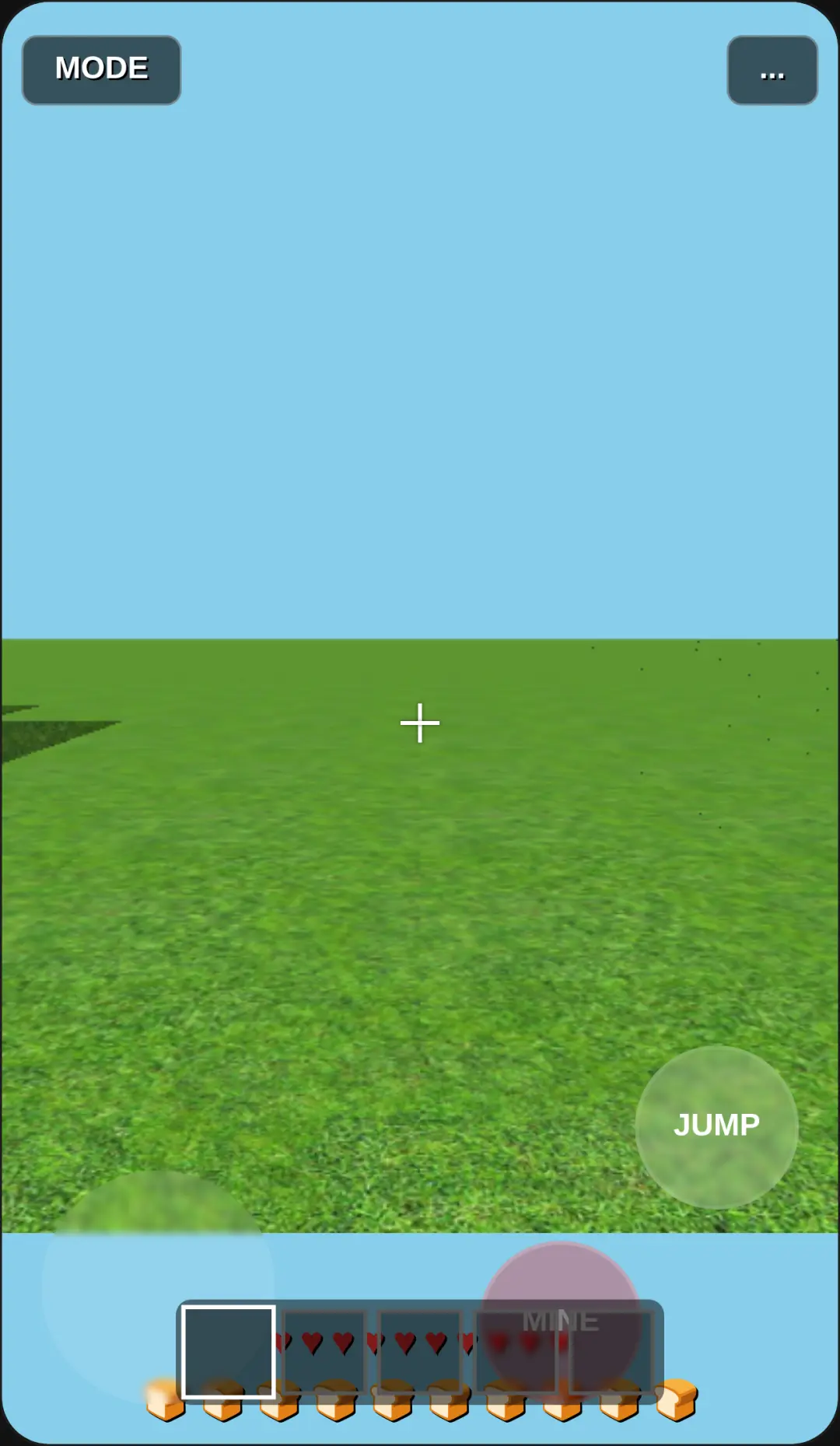
Mastering this 2D Minecraft pixel builder unblocked game is simple and intuitive. Start by selecting your preferred tools, blocks, or entities from the scrollable palette located at the bottom of your screen. To build, simply click or tap on the grid to place a single block. If you're working on a larger design, you can drag your pointer across the canvas to paint or break multiple blocks continuously. The game's multiplayer synchronization allows you to see what others are creating in real-time, making collaborative projects a breeze. You can also interact with entities, like breaking animals with your sword to gather food items. When your masterpiece is complete, use the built-in UI buttons to generate a screenshot and share it instantly. Don't forget that you can customize the grid resolution and sky color to suit your creative vision perfectly!
Tips & Tricks for Pixel Builder
To get the most out of this pixel builder multiplayer sandbox game, keep a few strategic tips in mind. First, utilize the continuous drag feature when filling large areas; it's much faster than clicking individual squares. Second, coordinate with other players in the multiplayer mode to build massive structures without stepping on each other's toes. Third, experiment with different block combinations to create unique pixel art textures that stand out. Finally, always save a screenshot of your work before clearing the canvas, so you don't lose your hard work. If you enjoy this creative freedom, be sure to explore similar arcade games that offer engaging interactive experiences.

Unblock More Fun on Mobile!
Scan to Keep Playing!