
Loading game...
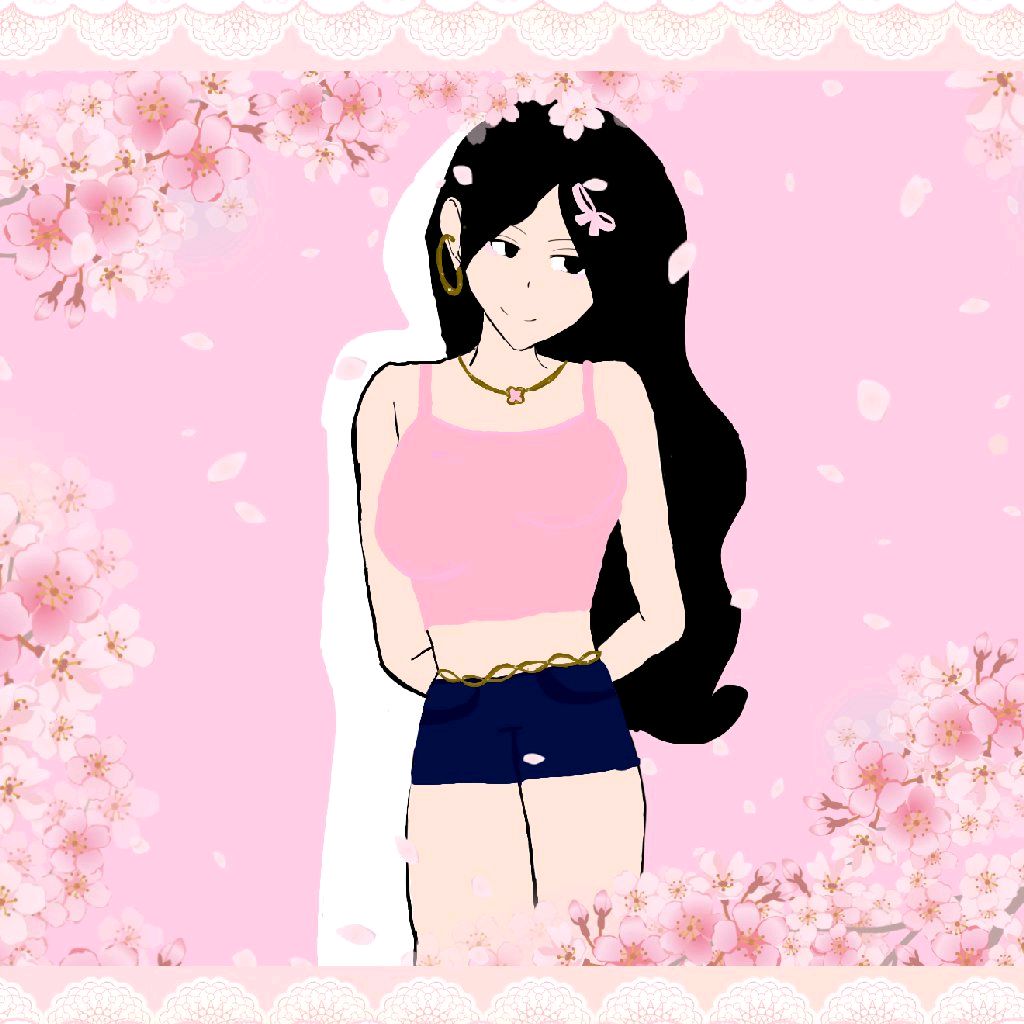 Strawberry_ bunny
 Miniso Kawaii Home
Welcome to the ultimate cozy getaway! If you love cute aesthetics and relaxing gameplay, Miniso Kawaii Home is the perfect kawaii room simulator for you. In this delightful miniso game online, you get to design your very own dream space from scratch. Start by playing a satisfying bubble-popping mini-game in the bath to earn virtual currency. Then, head over to the Miniso shop to spend your hard-earned money on adorable furniture and popular Sanrio-style plushies like Cinnamoroll and Kuromi. With smooth drag-and-drop mechanics, placing your favorite items has never been easier. Ready to express your creativity? Dive into this relaxing experience or explore more cozy simulation games to build your perfect virtual world.
How to Play Miniso Kawaii Home
Learning how to play Miniso Kawaii Home is incredibly simple and relaxing. First, navigate to the bath area to start the idle mini-game. You will see floating bubbles appear on the screen. Click or tap to pop these bubbles, which instantly generates in-game currency. Once you have saved up enough money, visit the in-game Miniso shop. Here, you can browse a massive catalog of kawaii plushies, minimalist furniture, and cute decorations. After purchasing your favorite pieces, open your inventory system to manage them. To decorate, simply drag and drop items into your virtual room. You have complete freedom to position everything exactly where you want it. If you change your mind, just double-tap any placed item to return it to your inventory. Finally, use the built-in snapshot feature to capture your beautiful room design and share it with your friends!
Tips & Tricks for Miniso Kawaii Home
Want to build the cutest space possible? Keep these helpful tips in mind when playing kawaii home online. First, spend plenty of time in the bath mini-game early on. Popping bubbles consistently builds a strong financial foundation, allowing you to buy premium plushies faster. Second, plan your color palette. Sticking to the signature Miniso red and light backgrounds creates a cohesive, minimalist aesthetic. Third, don't overcrowd your room. Utilize the double-tap feature to store items you aren't currently using, keeping your space clean and trendy. Lastly, customize the background music to enhance your relaxing experience. If you love designing virtual spaces, be sure to discover similar simulation games that let your creativity shine.

Unblock More Fun on Mobile!
Scan to Keep Playing!