
Loading game...
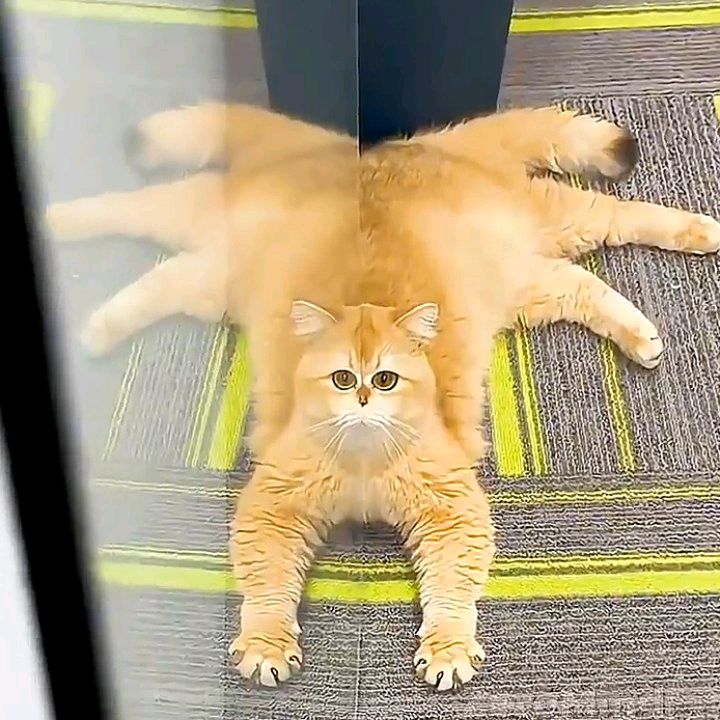 spidercat
Motion Studio
Welcome to Motion Studio unblocked, the ultimate free online animation maker that brings your imagination to life right in your browser. Whether you're a digital artist, a student, or someone who loves to doodle, this web-based app offers a seamless drawing experience. You can create stunning frame by frame animations without any steep learning curve. The intuitive interface features professional tools like onion skinning, customizable brush sizes, and instant playback overlay. It's incredibly easy to adjust your frame rate and manage multiple frames on the timeline. There's no download required, so you can start animating instantly. If you want to expand your artistic horizons, you can explore more creative tools designed to spark your inner artist.
How to Play Motion Studio
Learning how to use Motion Studio animation features is incredibly straightforward. Start by using your mouse, trackpad, or touchscreen to draw directly on the central canvas. You'll find intuitive tools like a pencil, eraser, and a pre-defined color palette readily available in the toolbar. Once your first drawing is complete, simply tap the add frame button to continue your sequence. The onion skinning feature will show a translucent version of your previous frame, guiding your next strokes perfectly. You can easily duplicate, clear, or delete frames using the horizontal timeline at the bottom. To control the speed of your masterpiece, just drag the slider to adjust the playback from one to twenty-four frames per second. Finally, use the instant playback overlay mode to preview your creation seamlessly before sharing it with friends.
Tips & Tricks for Motion Studio
Mastering this motion studio app online is easy with a few handy techniques. First, always keep onion skinning turned on when creating fluid movements; it's the best way to ensure your proportions stay consistent. Second, if you're new to frame by frame animation, start with a lower frame rate like eight FPS before working your way up to twenty-four. This saves time and helps you understand timing better. Third, use the duplicate frame function to create dramatic pauses in your animation without redrawing everything. Lastly, experiment with different brush sizes to add depth to your sketches. Ready for another artistic challenge? Check out similar creative tools to keep your creative juices flowing.

Unblock More Fun on Mobile!
Scan to Keep Playing!