
Loading game...
 SaliseAbe
Nexus Immersive Chat
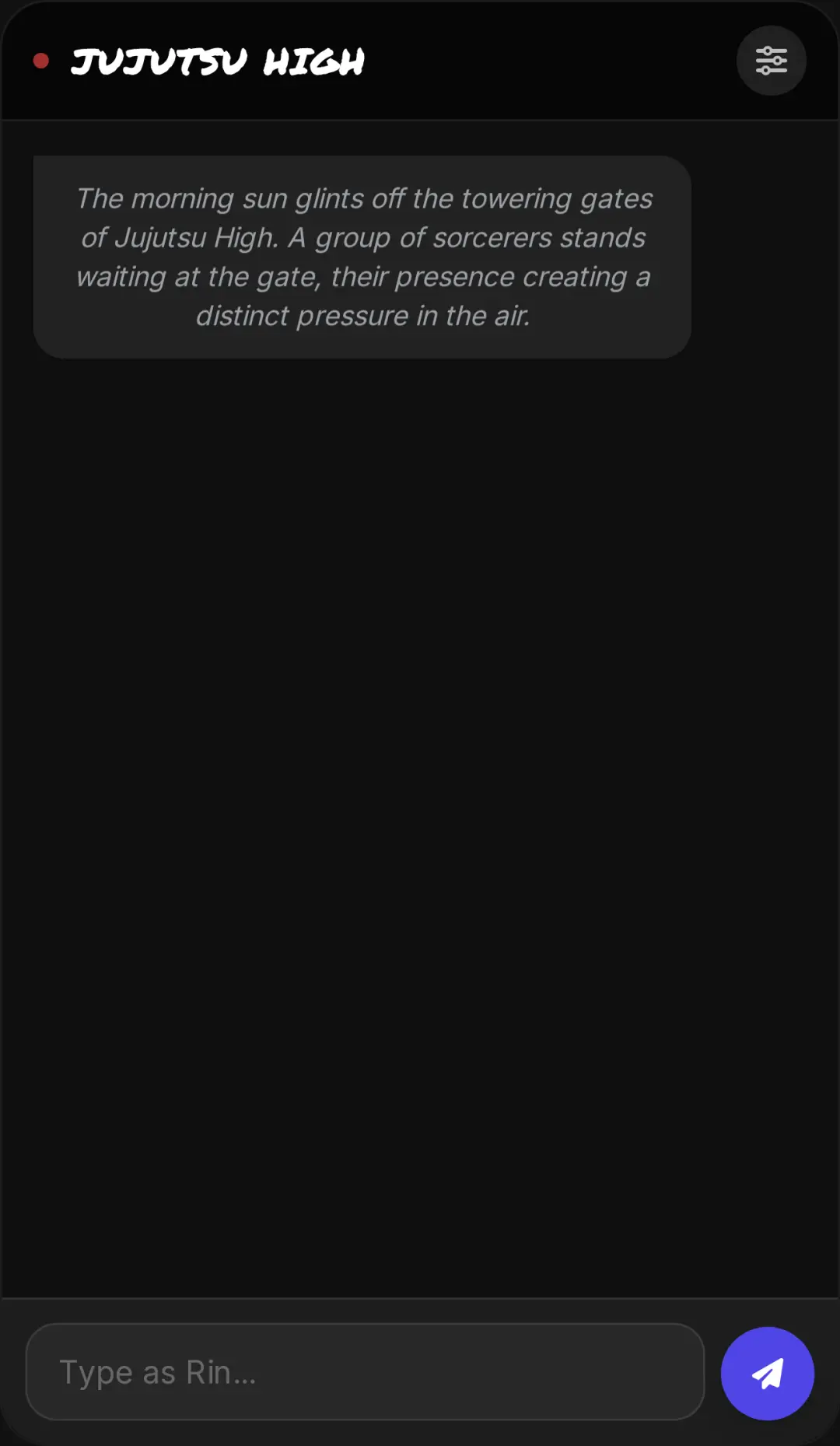
Welcome to Nexus Immersive Chat unblocked, the ultimate web-based communication tool designed for gamers, role-players, and close-knit communities. This isn't just a standard text client; it's a fully synchronized, real-time multiplayer chat platform featuring a stunning dark mode aesthetic and glassmorphism UI. Whether you're coordinating strategies or hanging out with friends, you'll love the shared collaborative board that auto-saves your group's notes instantly. With extensive customization options for background music, sound effects, and UI colors, you can tailor the entire server to your liking. Ready to elevate your social experience? You can also explore more immersive ai games on our platform to find your next digital adventure.
How to Play Nexus Immersive Chat
Getting started with this platform is incredibly straightforward. First, join a session using your web browser—there's no download required. Once you're inside, you'll notice a familiar layout with channels on the left and online members on the right. Use your keyboard to type messages in the global text channel, and watch the fluid CSS animations pop your text onto the screen. To collaborate with your friends, click or tap to switch over to the pinned shared board. Anyone in the room can edit this board, and changes sync instantly across all connected peers. Don't forget to open the sliding side drawers to access the metadata system, where you can easily adjust the background music, toggle sound effects, and customize your personal avatar to match your unique style.
Tips & Tricks for Nexus Immersive Chat
To get the most out of your experience, take advantage of the customizable background feature. Uploading a thematic full-screen image instantly sets the mood for your role-playing sessions. Next, utilize the shared board for tracking important information like game lore or team strategies, since it auto-saves automatically. If you're managing a busy room, use the toggleable side drawers to keep your interface clean and focused on the main conversation. Finally, experiment with the audio feedback settings to find the perfect balance for message alerts. Looking for different ways to connect and play? Be sure to discover similar interactive ai games to keep the fun going with your community.

Unblock More Fun on Mobile!
Scan to Keep Playing!