
Loading game...
 Prem
PremOmni AI Assistant #
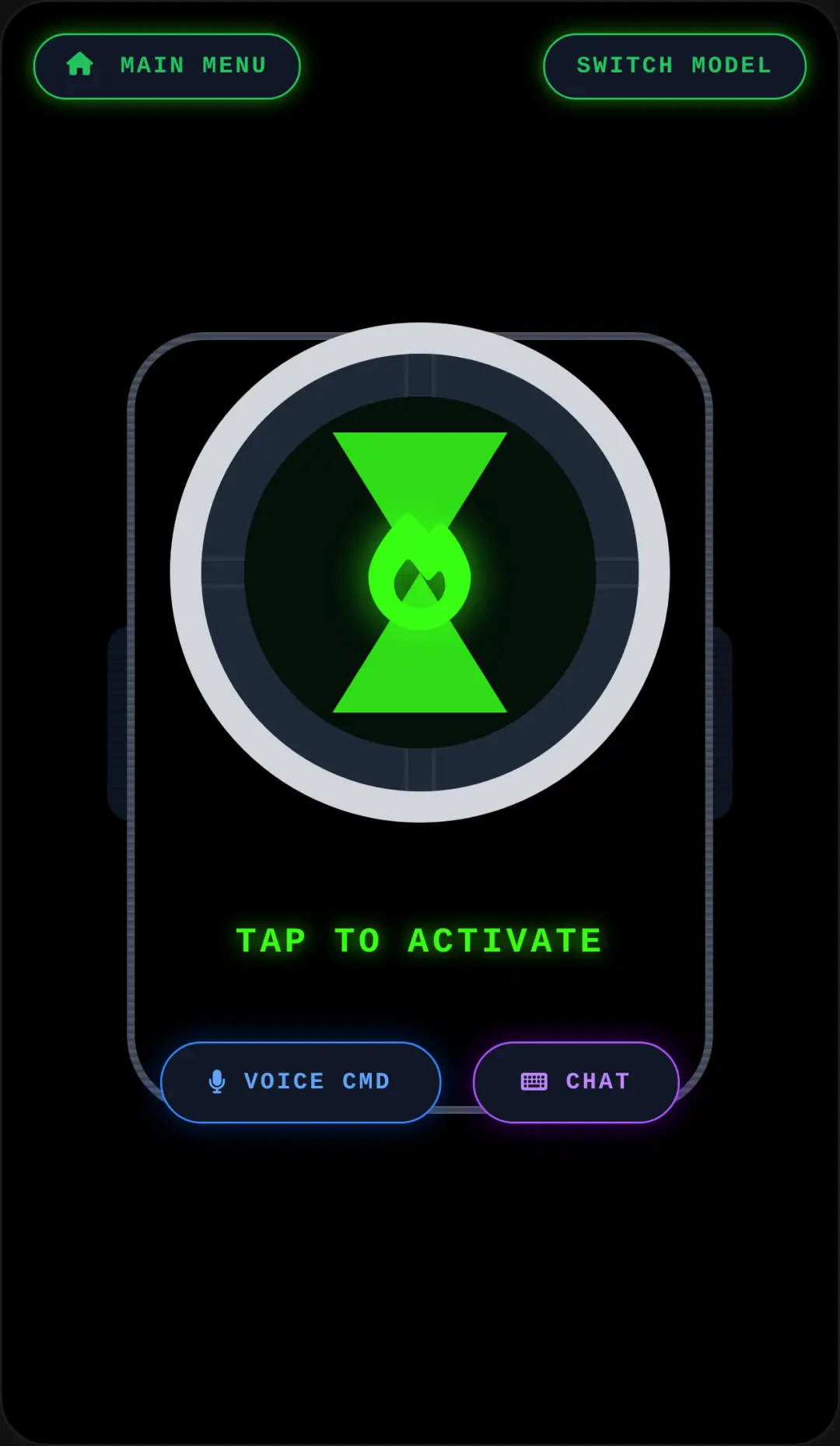
Welcome to Omni AI Assistant, the ultimate AI chat simulator that brings the power of industry-leading models right to your screen. Whether you're a prompt engineer or just an AI enthusiast, this interactive platform lets you seamlessly switch between GPT and Gemini to generate both engaging text and stunning images. The application features a sleek dark mode, satisfying glassmorphism effects, and smooth animations that make every interaction feel incredibly polished. You don't need any downloads to play Omni AI online, making it the perfect unblocked tool for school or home. Ready to expand your creative horizons? You can easily explore more interactive AI games to discover new ways to chat, create, and play.
How to Play Omni AI Assistant
Learning how to play Omni AI is straightforward and highly intuitive. First, use your keyboard to type your text input into the chat bubble layout, then simply click or tap the send button to watch the AI respond in real time. You'll notice typing and searching visual indicators that add a realistic touch to the chat simulator. To switch things up, use the convenient toggle buttons to alternate between the GPT and Gemini models depending on your needs. You can also switch between the dual modes of text chat and image generation with a single click. Once the AI generates a response or an image you love, use the built-in social interaction system to like the content. Finally, you can use the Snapdom screenshot sharing functionality to capture your best prompts and share them with friends online.
Tips & Tricks for Omni AI Assistant
To get the most out of this free online game, try experimenting with different prompt styles to see how GPT and Gemini react differently to the same input. When using the image generation mode, be as descriptive as possible with your keywords to get the most accurate and stunning visuals. Don't forget to turn up your volume to enjoy the background music and procedural sound effects that make the experience immersive. Lastly, take advantage of the customizable UI via Sekai editable metadata to personalize your chat environment. If you're looking for more innovative experiences, be sure to find similar AI games that will challenge your creativity and keep the fun going.

Unblock More Fun on Mobile!
Scan to Keep Playing!