
Loading game...
 Mondony
OS Simulator
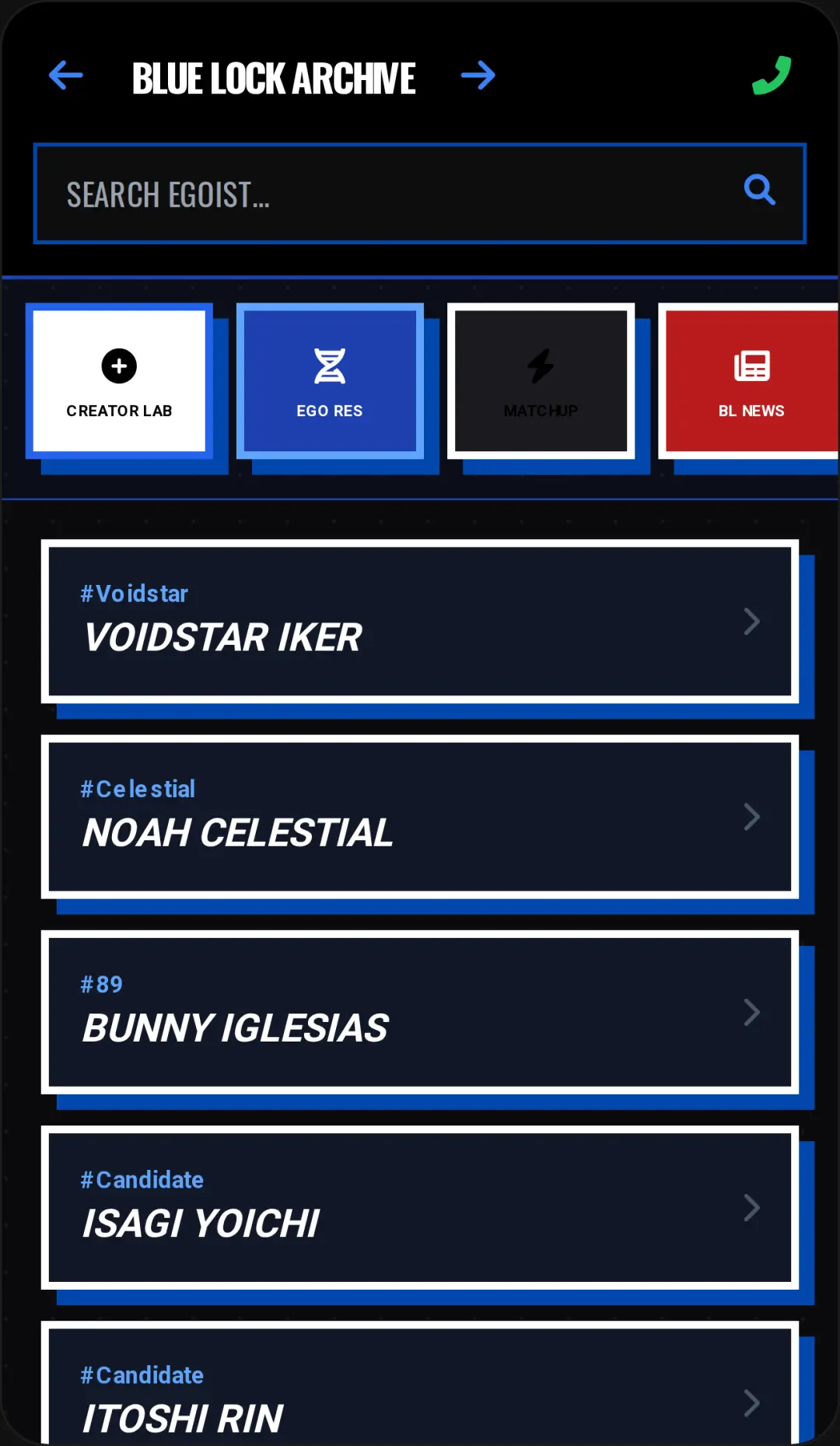
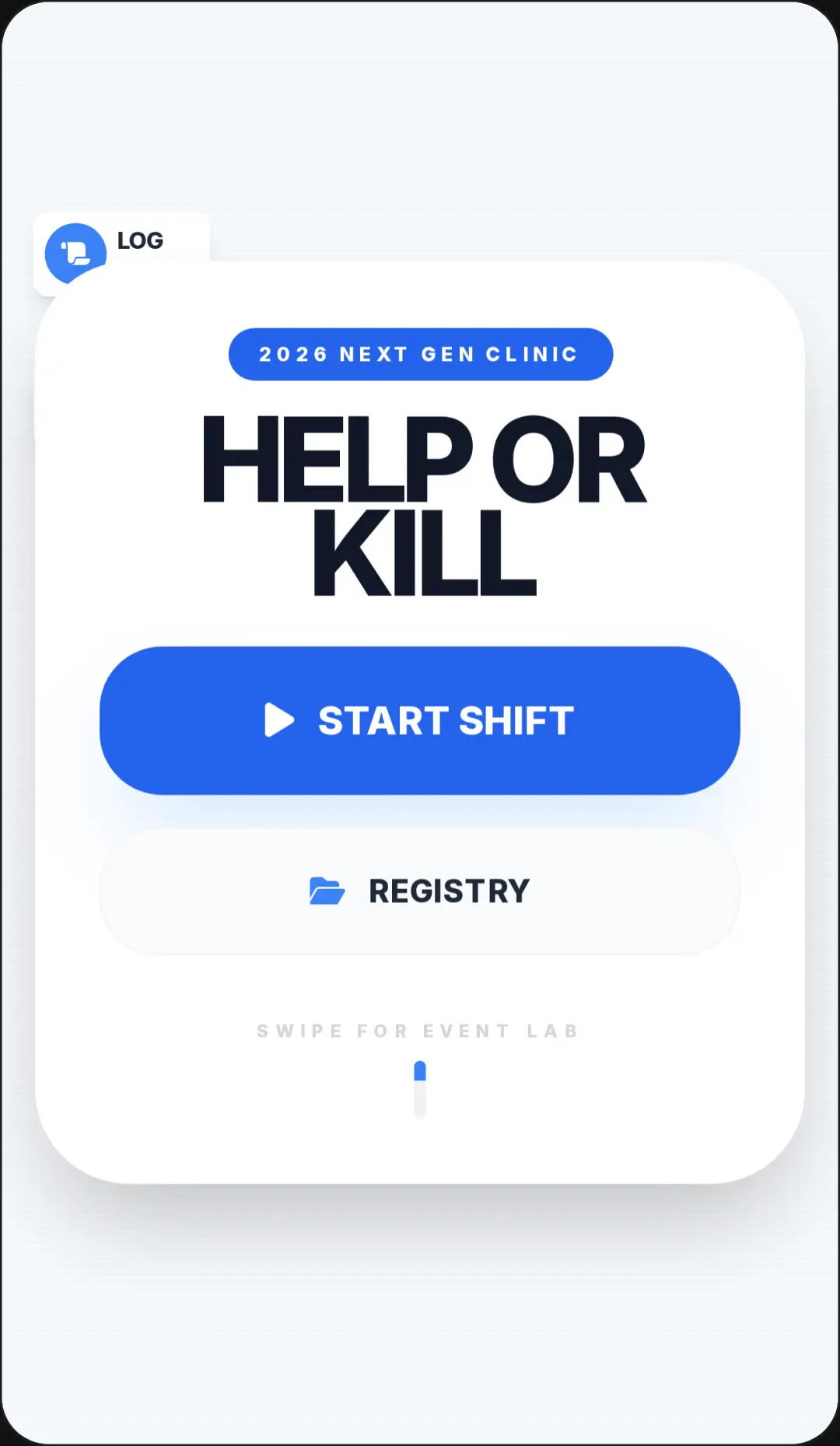
Welcome to OS Simulator unblocked, the ultimate interactive fake operating system experience that you can play online for free. This unique game lets you explore a modern interface complete with simulated apps, a working lock screen, and automated chat bots. You can even dive into the in-app game store to download and play embedded mini-games like Star Catch. The most exciting part? When your device's virtual battery dies, the system seamlessly transitions you to a brand-new layout, from a tablet to a gaming console. If you love this kind of immersive digital playground, you can explore more other casual simulation experiences on our platform. Jump in and start exploring today!
How to Play OS Simulator
Learning how to play OS Simulator is incredibly simple, as it mimics the devices you're used to every day. Start by unlocking the screen using the on-screen numpad to enter the passcode. Once you reach the home screen, use your mouse to click or tap on various app icons, such as Phone or Messages, to see how they function. To play the built-in mini-games, open the virtual Game Store, install a title, and launch it right from your simulated device. During the mini-games, you'll use pointer swipes and mouse movements to control your character and dodge obstacles. Keep a close eye on your dynamic battery indicator. When the battery fully depletes, the game will automatically switch your view to a different device layout, like a smart TV or a gaming console, offering a fresh interface to explore.
Tips & Tricks for OS Simulator
To master this digital adventure, keep these handy tips in mind. First, don't fear the battery drain. Letting the battery die isn't a bad thing; it's actually part of the fun, as it triggers the exciting cross-device UI switching feature. Second, explore every app on the home screen; the automated chat bots are quite entertaining. Third, spend time practicing the embedded mini-games. The endless runner requires quick reflexes, so perfect your swipe timing to achieve a high score before your virtual device shuts down. Finally, try to experience all the different layouts, from mobile to console interfaces. If you want more unique ways to pass the time, be sure to find similar other interactive games to keep the fun going.


Unblock More Fun on Mobile!
Scan to Keep Playing!