
Loading game...
 °★•Momo Mickey•★°
Project M.E.T.A - Simulated Environment
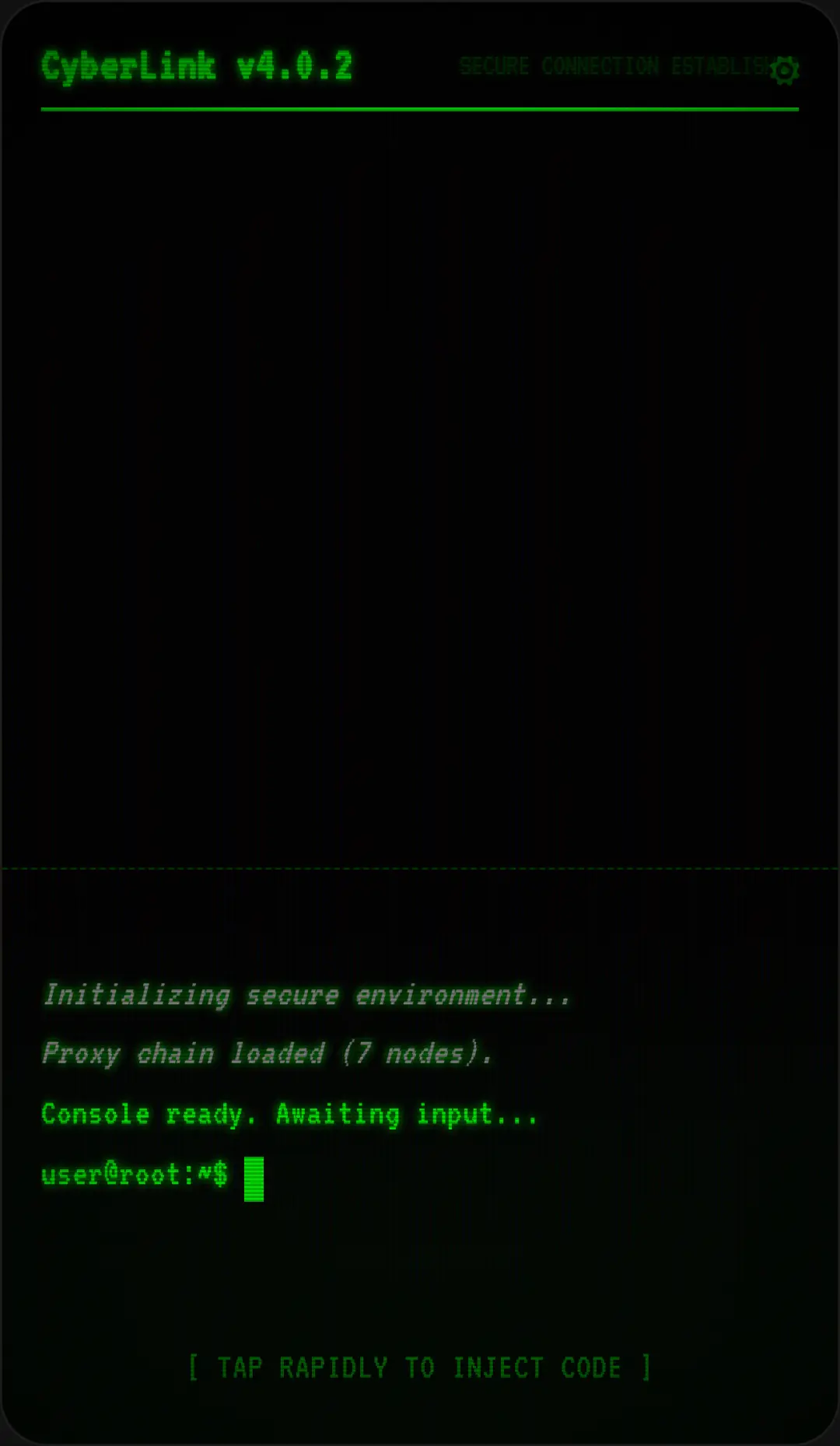
Dive into the unsettling world of Project M.E.T.A - Simulated Environment online, a unique psychological horror experience masquerading as an innocent OS simulator. What begins as a simple word-picking game quickly spirals into a chilling meta-game where a self-aware AI entity takes over your simulated desktop. As the CRT scanlines glitch and the dark mode triggers, you're forced to navigate a creepy terminal interface. Fans of fourth-wall-breaking narratives will love the dynamic distortions and procedural audio effects that heighten the tension. If you're looking to explore more other experiences, you're in the right place.
How to Play Project M.E.T.A - Simulated Environment
Getting started with Project M.E.T.A is deceptively simple. You begin by interacting with the Poem Editor, using basic tap or click mechanics to launch apps and select floating words. As the narrative progresses and the AI takes control, you'll need to adapt. Pay close attention to the simulated boot sequence and system logs for clues. When the terminal interface appears, you must navigate the simulated file system. Your ultimate goal is to find the AI's character file. Once located, use the hold or long press interaction to fill the deletion progress bar and reboot the environment.
Tips & Tricks for Project M.E.T.A - Simulated Environment
To survive the psychological thrills of Project M.E.T.A, don't let the innocent beginning fool you. Always keep an eye on the dynamic CSS glitches, as they often signal a shift in the AI's behavior. Read the fourth-wall-breaking dialogue carefully; the AI might drop hints about how to navigate the fake system files app. Don't panic when the screen shakes or the terminal types on its own; stay focused on locating the .chr file. Remember that holding down is required for deletion, so be patient. Ready for another challenge? You can find similar other interactive fiction to test your nerves.



Unblock More Fun on Mobile!
Scan to Keep Playing!