
Loading game...
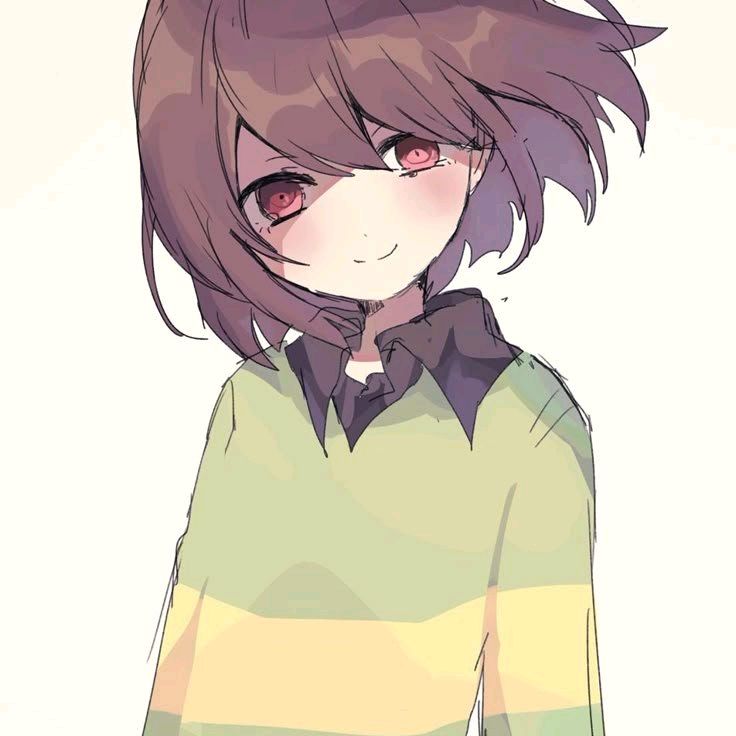 chara
charaRank Undertale characters
Welcome to the ultimate tool to rank Undertale characters! Whether you are a dedicated fan assessing battle strength or a shipper categorizing couples from True Love to Red Flag, the Undertale Power Ranker has you covered. This interactive tier list maker features a satisfying drag-and-drop interface with vibrant neon accents and fun audio-visual feedback like sparkles and pop sounds. You can easily organize the iconic cast into colorful rows or even upload your own custom images for endless replayability. Once your masterpiece is complete, generate a shareable screenshot instantly. If you enjoy organizing your favorite games, you can explore more other ranking tools on our platform.
How to Play Undertale Power Ranker
Using this custom Undertale tier list maker is incredibly simple and satisfying. Start by reviewing the pool of character icons at the bottom of the screen. Click and hold or tap and drag your chosen character, then drop them into the desired colored tier row, ranging from the highest rank down to the lowest. As you drop items, you will notice fun sparkle animations and pop sound effects that make the process engaging. If you want to personalize your list further, click the upload button to add your own custom images straight from your device. You can also click to toggle the background music on or off while you work. When you are fully satisfied with where you rank Undertale characters, simply click the share arrow to generate a clean, downloadable screenshot of your final tier list to share with the fandom.
Tips & Tricks for Undertale Power Ranker
To get the most out of your tier list maker experience, try organizing categories by specific themes before you start. Dedicate one session to power scaling and another to relationship vibe checking. Do not forget to utilize the custom image upload feature to include obscure fan-made characters or alternate universe designs that aren't in the default pool. If playing on mobile, enjoy the haptic feedback for a tactile drag-and-drop experience. Make sure to save your screenshot before refreshing the page, as your progress won't save automatically. Ready for a new challenge? Go ahead and find similar other interactive tools to keep the fun going.

Unblock More Fun on Mobile!
Scan to Keep Playing!