
Loading game...
 Xbox
XboxRoblox
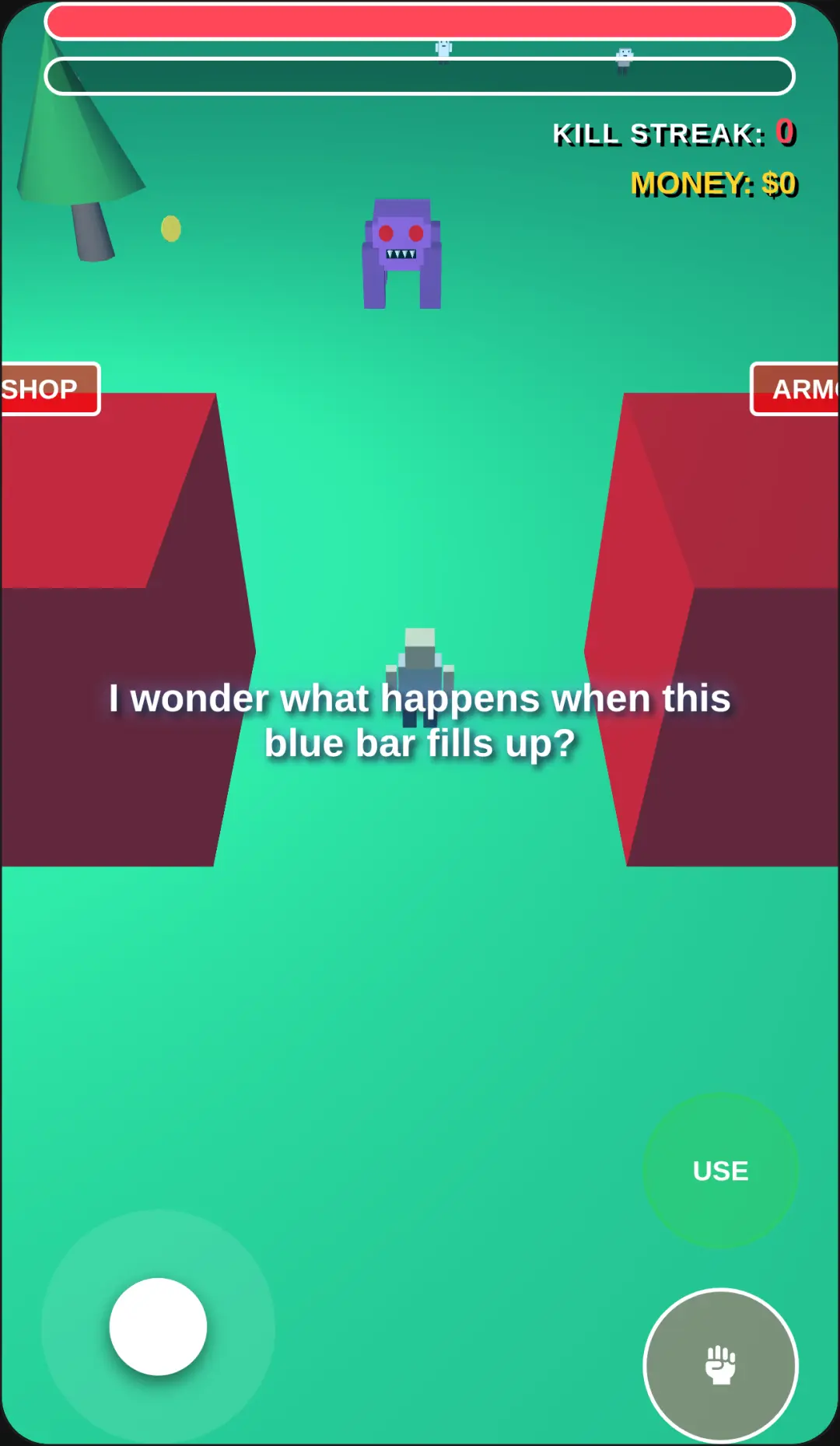
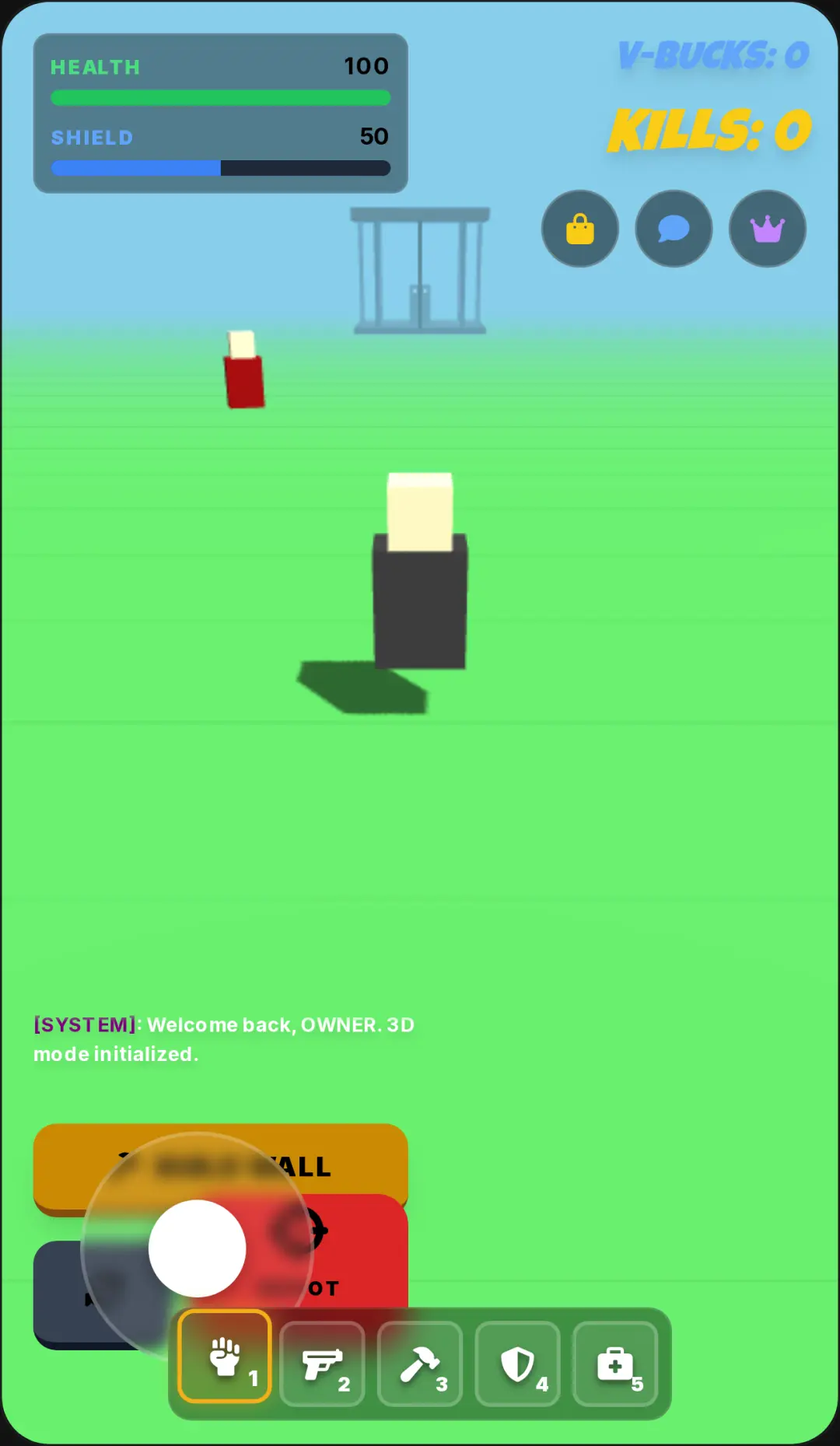
Ready to jump back into the classic blocky universe? Play Roblox unblocked and experience a fully functional web-based simulation of your favorite platform directly in your browser. This unique sandbox environment lets you explore iconic maps like Crossroads, interact with nostalgic AI bots, and use a fully working chat system without any downloads. Whether you're feeling nostalgic for the old-school R6 models or just want to play Roblox online free, this browser experience delivers endless fun. The seamless transition from the game feed UI to 3D gameplay is incredibly smooth. If you love building and exploring interactive virtual worlds, be sure to check out more free simulation games that offer similar creative freedom.
How to Play Roblox
Learning how to play Roblox in your browser is incredibly simple and requires no downloads. Start by navigating the authentic mock interface, where you can browse through the game feed and check out different classic maps. Once you select a map like Crossroads or the special Forsaken mode, you will instantly transition into the 3D environment. Use the virtual joystick on your screen or your keyboard to move your blocky character around the map. You can swipe or drag the screen to rotate your camera and pinch to zoom in for a better view. On-screen buttons allow you to jump over obstacles and attack. Don't forget to use the keyboard input to type in the interactive chat system, where intelligent AI bots will actually respond to your messages as you explore the world.
Tips & Tricks for Roblox
Mastering this browser-based world is easy with a few quick strategies. First, take time to chat with the AI bots wandering around the map; they offer hilarious responses and add life to the classic environment. Second, practice your camera controls. Using the swipe and pinch gestures effectively helps you spot hidden areas quickly. Third, try out the special Forsaken game mode if you want a thrilling challenge featuring hacker-themed bots and a tense countdown timer. Finally, experiment with movement combos using the virtual joystick and jump buttons to navigate the blocky terrain faster. If you enjoy crafting your own adventures, you can discover other immersive simulation games to keep the fun going.

Unblock More Fun on Mobile!
Scan to Keep Playing!