
Loading game...
 Andrez
RoBlox Hangout
Step into the ultimate virtual social space with Roblox Hangout unblocked! This free online 3D multiplayer game lets you connect with friends and make new ones in a vibrant, blocky sandbox world. Customize your unique avatar's colors and nickname before jumping into a beautifully crafted park complete with trees, benches, and fountains. Whether you want to host a private room for your squad or join an active public server using a simple room code, the seamless browser-based experience means no downloads are needed. If you love creating your own fun in interactive worlds, you can explore more 3D simulation games to keep the adventure going.
How to Play Roblox Hangout
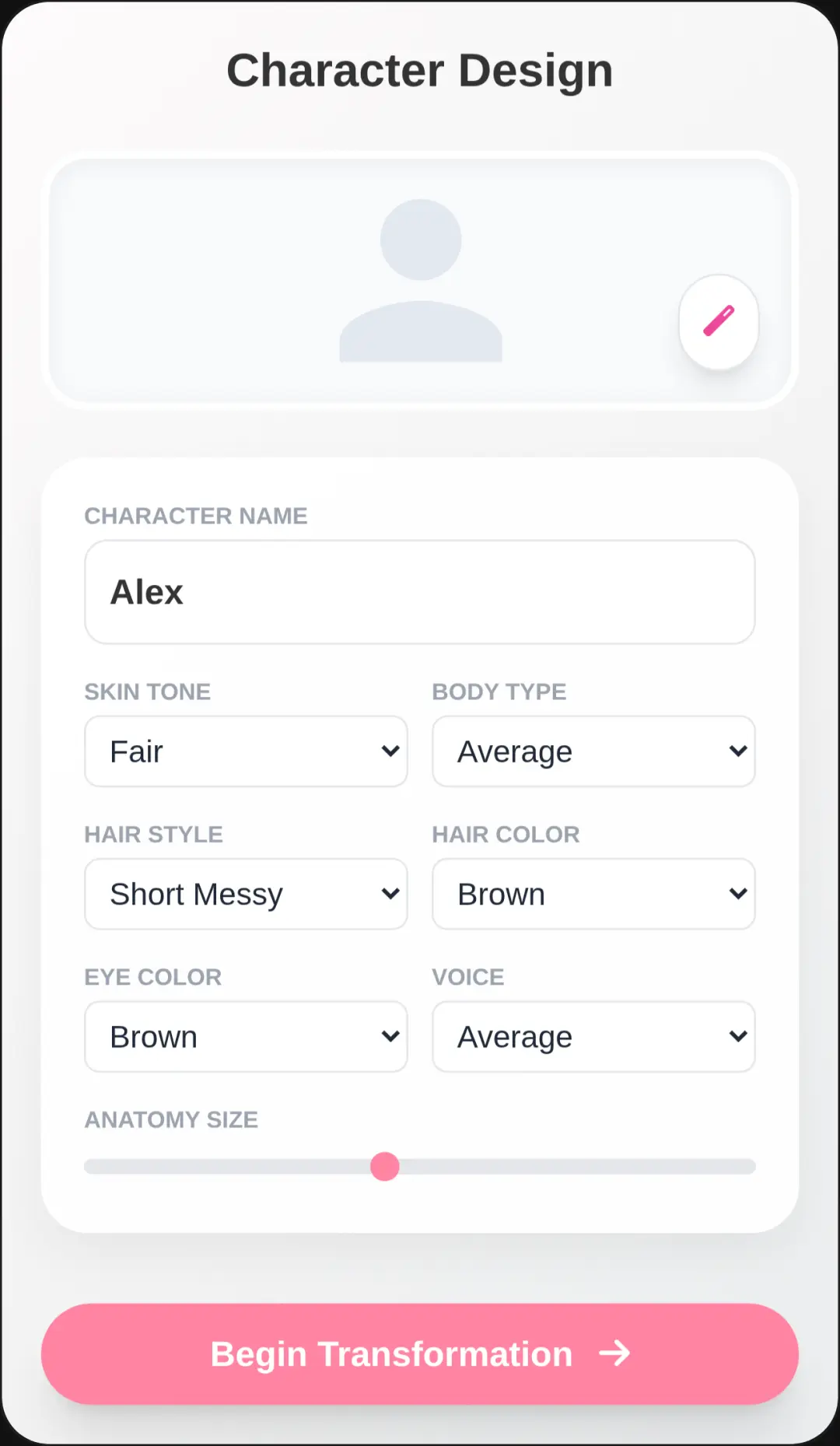
Getting started with this free online multiplayer game is incredibly simple. When you load the game, you will first see the customization menu. Here, you can type in your preferred nickname and select your favorite colors to personalize your blocky character. Next, choose to either host a new room or enter a room code to join your friends. Once inside the 3D park, use the on-screen virtual joystick or your keyboard's WASD and arrow keys to move around. You can rotate the camera by dragging your screen or using your mouse. Tap the jump button or press the spacebar to hop over obstacles. To communicate, simply type into the text box. Your messages will appear as dynamic chat bubbles right above your character's head, making real-time social interaction effortless.
Tips & Tricks for Roblox Hangout
To make the most out of your virtual social experience, try these handy tips. First, coordinate with your friends by sharing your unique room code before you start playing so everyone spawns together. Second, use the camera rotation feature frequently to keep an eye on the chat bubbles around you, ensuring you don't miss any conversations. Third, experiment with different avatar color combinations to stand out in crowded public spaces. Finally, remember that you can easily switch between keyboard controls and touch inputs depending on your device. Ready for another immersive experience? You can discover similar multiplayer simulation games to enjoy with your friends.

Unblock More Fun on Mobile!
Scan to Keep Playing!