
Loading game...
 Kayne Watson
Roblox --------------->tell me if your roblox in comments #123456789012345678901234567890 that's 30 numbers #hehehehehehehehehehehehehheheh
Welcome to the ultimate sandbox experience! When you play Roblox unblocked online, you dive into a massive 3D simulator where your imagination is the only limit. This unique version lets you enjoy the classic platform UI and seamlessly transition into a powerful 3D game engine. Have you ever wanted to wield ultimate power? You can experiment with exclusive admin commands, simulate community bots, and manage a simulated Robux economy. Whether you want to spawn vehicles, build massive structures, or trigger chaos mode, this game has it all. If you enjoy creating your own fun, be sure to explore more simulation games that let you control every aspect of your virtual world.
How to Play Roblox
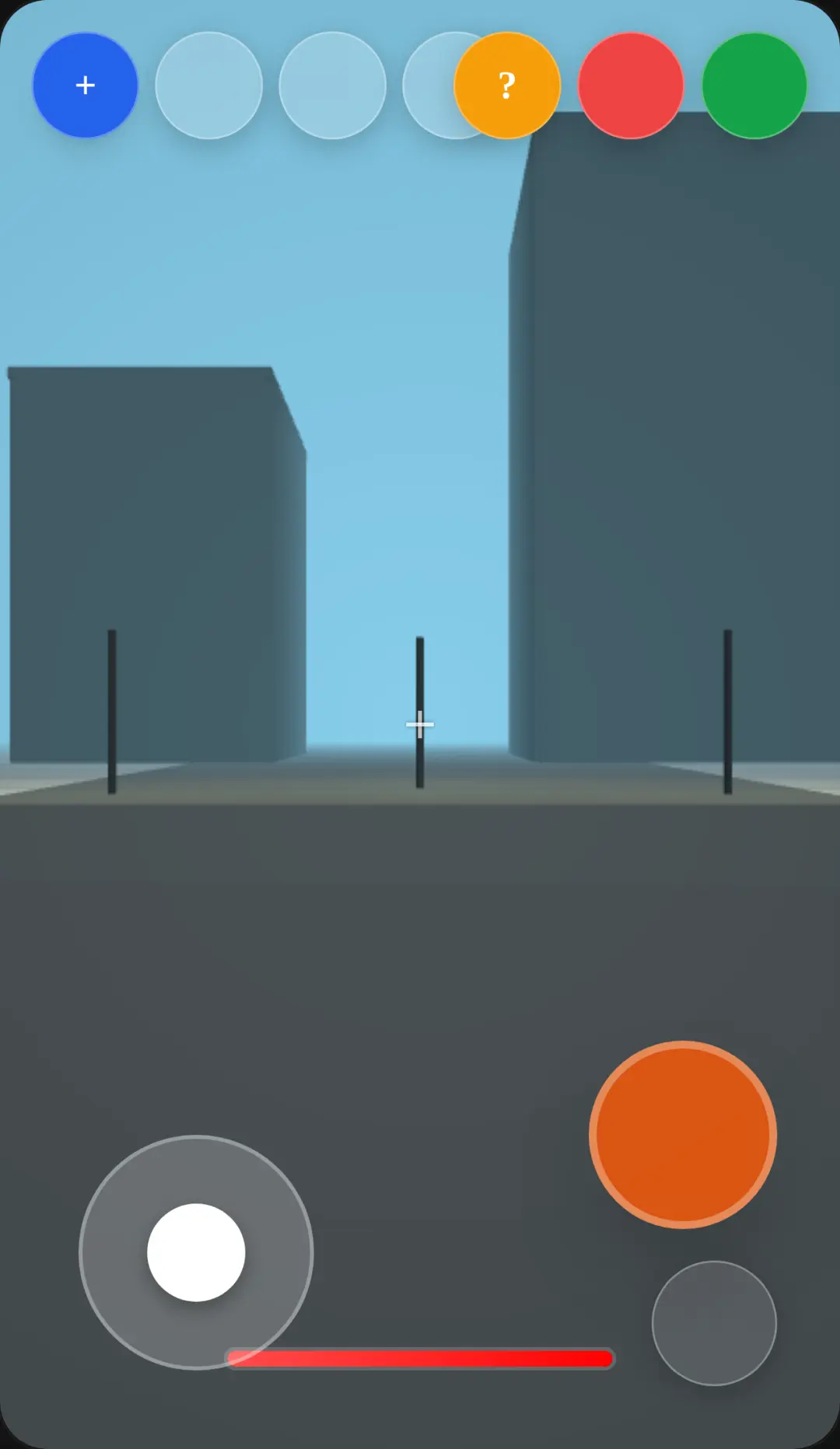
Getting started with this Roblox simulator is incredibly easy and requires no downloads. First, navigate through the dark mode platform UI to browse different experiences and check out the avatar shop. Once you enter the 3D sandbox engine, use the virtual joystick or your keyboard to control your character's movement. You can control your jumping, flying, and descending with intuitive screen buttons. To adjust your view, simply drag or swipe the screen to move the 3D camera. The real fun begins when you open the admin panel. Here, you can type various admin commands to activate god mode, fly around the map, or spawn giant items. You can also interact with the massive bot community by typing specific phrases in the chat to see their dynamic reactions. Enjoy exploring every feature!
Tips & Tricks for Roblox
To master this sandbox world, you should memorize the best admin commands early on. Typing specific keywords in the chat, like asking for free Robux, will trigger hilarious responses from the simulated bot community. Don't forget to try out the April Fools chaos mode for wacky effects like low gravity and inverted controls. When building, use the camera swipe feature to get a bird's-eye view of your structures before placing them. Finally, experiment with the transformation commands to turn your avatar into a slime or a cat for extra speed. Ready for another adventure? You can always discover similar simulation games to keep your creative journey going strong.

Unblock More Fun on Mobile!
Scan to Keep Playing!