
Loading game...
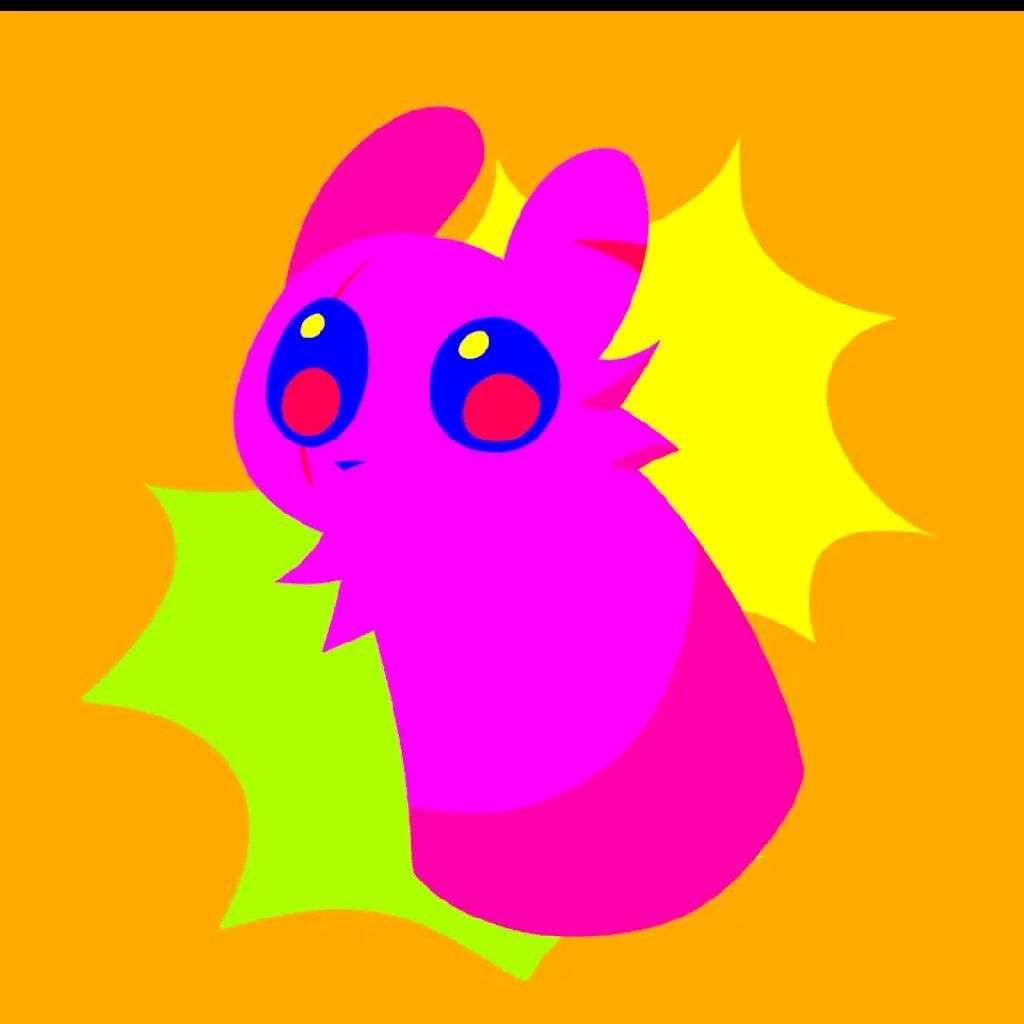 Slug cat goober
Sekai 3D Creator
Welcome to Sekai 3D Creator, the ultimate web-based 3D modeling application that lets you build, modify, and animate custom characters directly in your browser. Whether you are a beginner artist, a game developer looking for quick prototyping, or just someone who loves creative sandbox games, this tool is perfect for you. With its intuitive glassmorphism UI and zero-install requirement, you can instantly turn basic shapes into stunning 3D models. Best of all, you can apply procedural animations without any complex bone rigging. If you love building and designing, you can explore more creative tools right here on our platform. Start shaping your imagination today!
How to Play Sekai 3D Creator
Getting started with Sekai 3D Creator is incredibly easy, even if you have no prior modeling experience. First, click or touch the canvas to select and place basic 3D objects like cubes, spheres, cones, and cylinders. Use the intuitive on-screen sliders to adjust the X, Y, and Z values for movement, scaling, and rotation. If you need a better view, simply drag on the canvas to rotate the camera and pinch or scroll to zoom in and out. The workspace features a helpful reference grid and directional lighting to guide your design. Once your model is built, you can switch between Object and Character modes. In Character mode, you can instantly apply up to twelve built-in procedural animations like walking, running, or flying. Finally, use the export system to download your creation as a .glb file.
Tips & Tricks for Sekai 3D Creator
To master Sekai 3D Creator, start by utilizing the gallery system to save and organize your assets frequently. This prevents you from losing your progress and creates a personal library of reusable parts. When animating characters, test different procedural animations early in the building process to ensure your shapes move naturally together. If you are using a mobile browser, take advantage of the touch-optimized controls to sculpt on the go. Don't forget to use the share preview feature to generate quick 2D snapshots of your 3D scenes for social media. Ready to expand your artistic horizons? You can easily discover similar creative tools to keep your creative journey going strong.

Unblock More Fun on Mobile!
Scan to Keep Playing!