
Loading game...
 Megatale_ Creating
Sekai lite
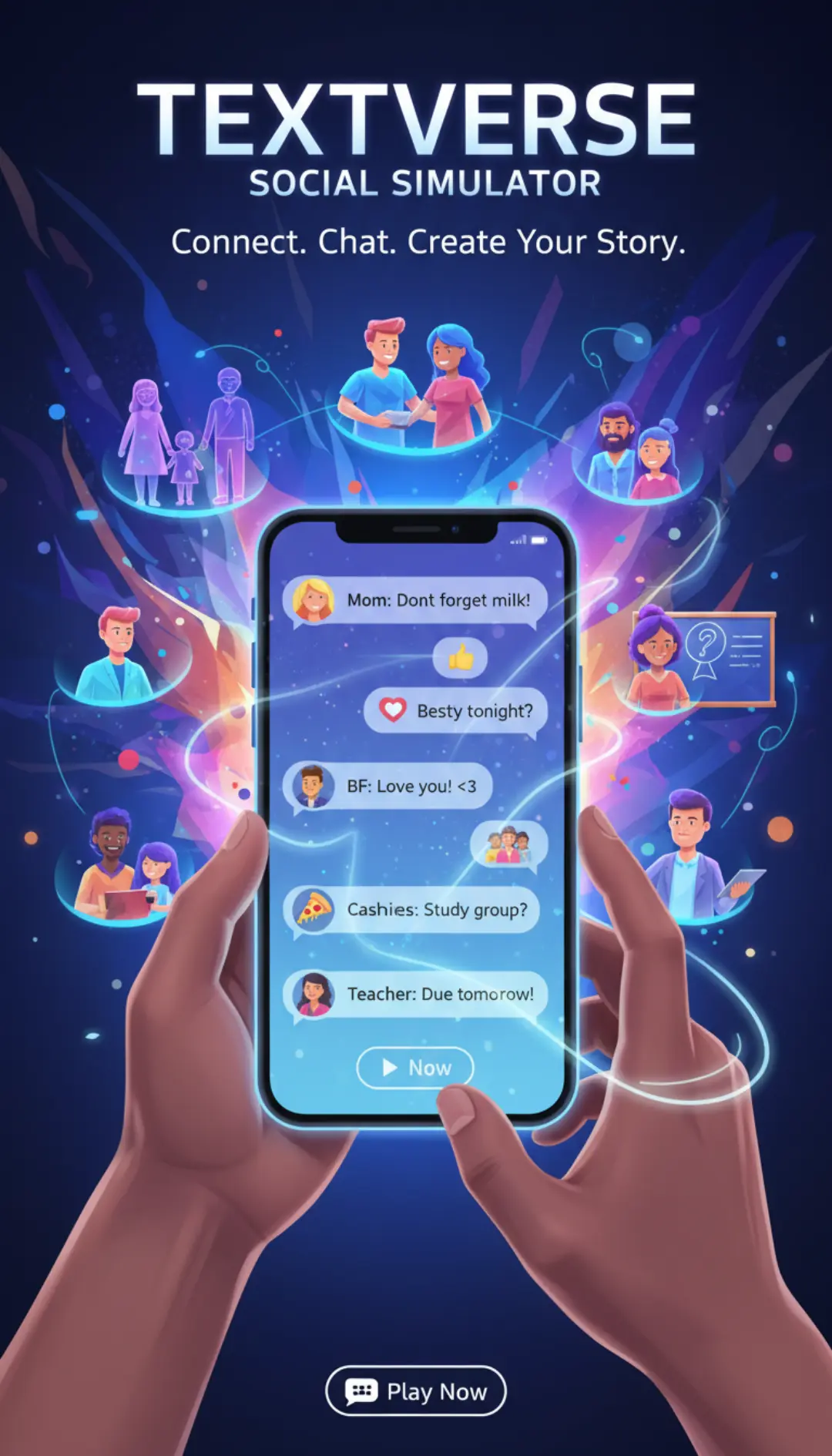
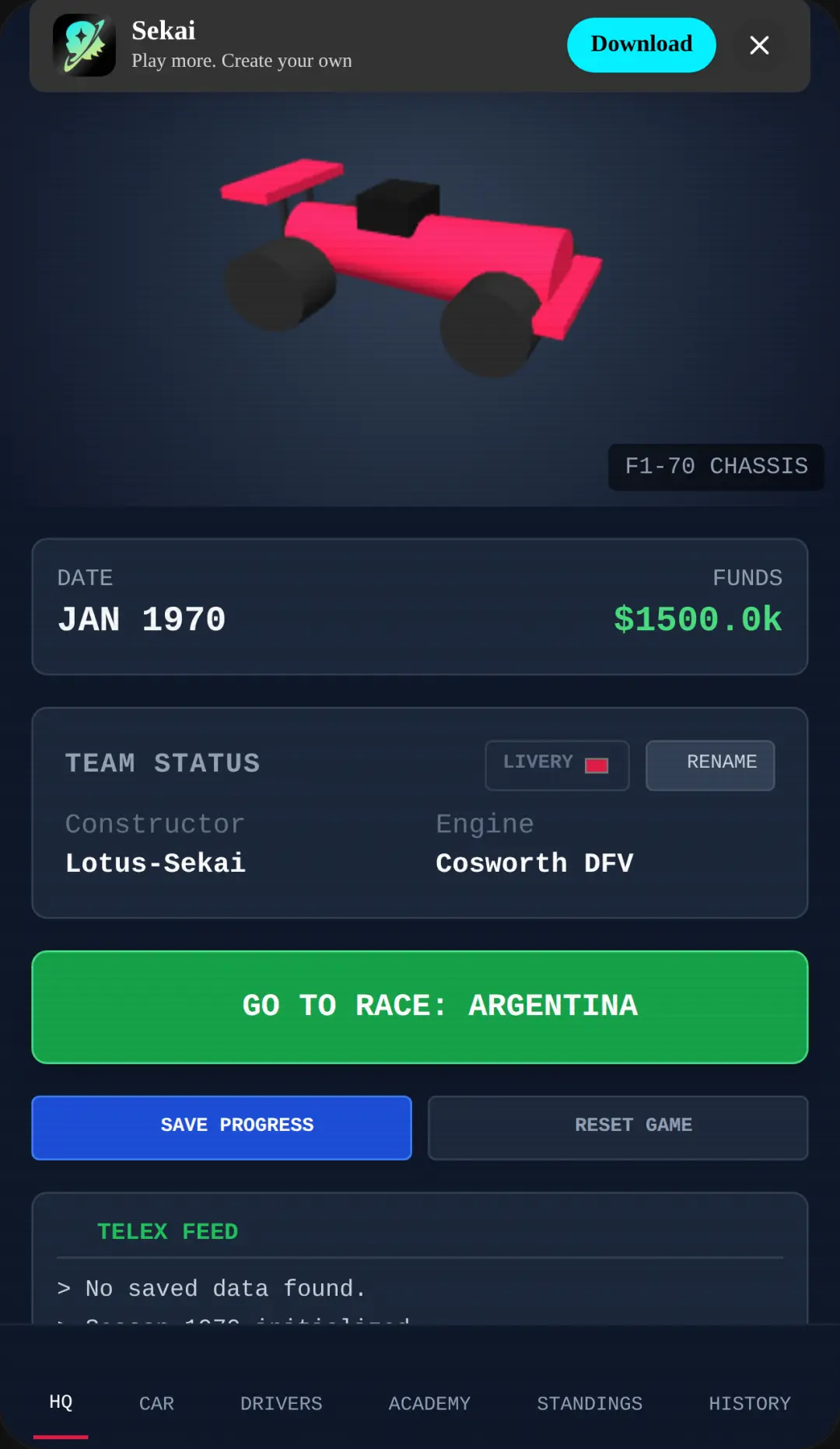
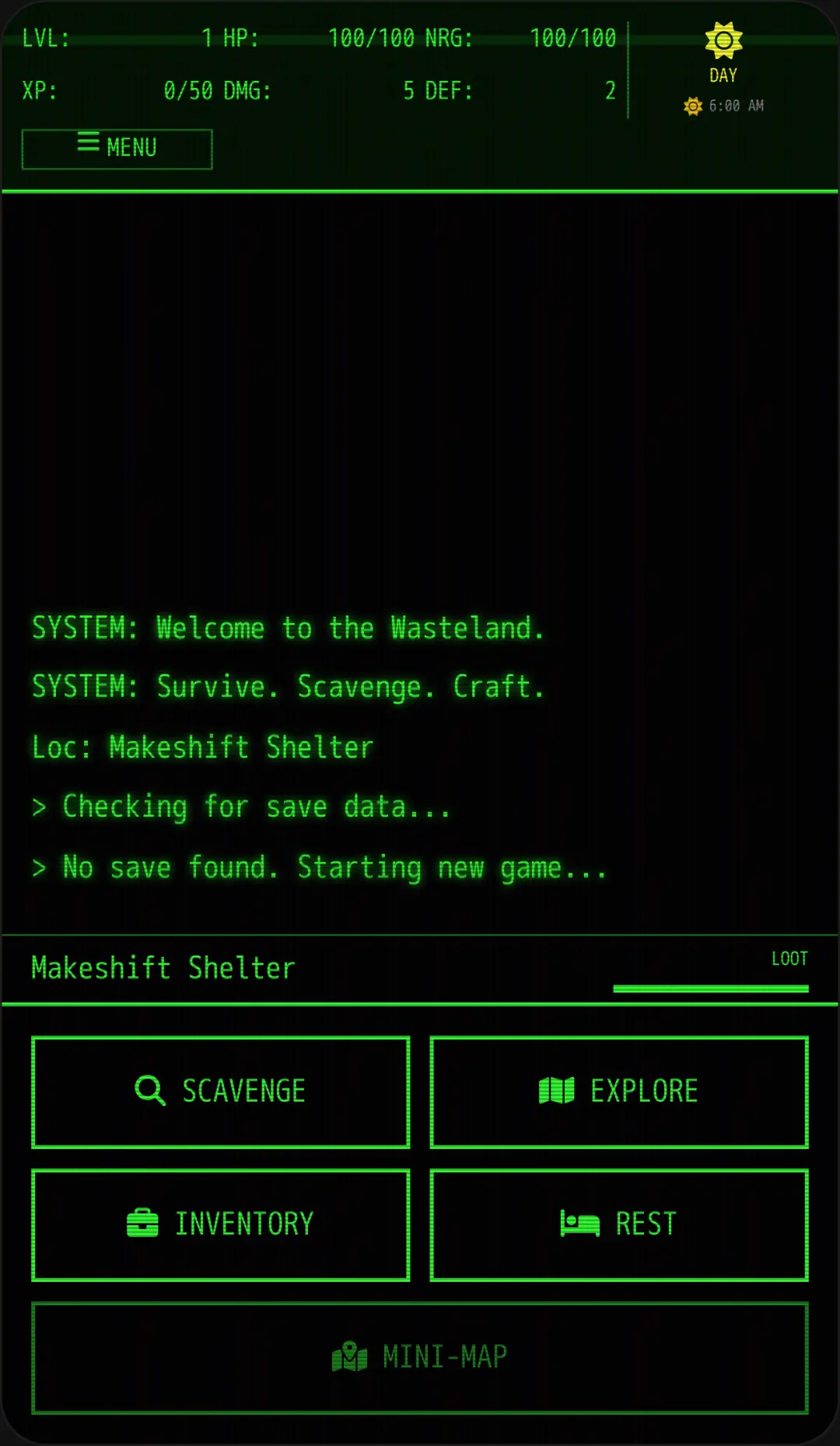
Welcome to Sekai Lite, the ultimate interactive game generator simulator that brings your imagination to life. Often recognized as the popular Sekai Builder game, this platform lets you create platformers, text adventures, and clicker games using simple text prompts. You don't need coding skills to design amazing experiences. Just type your ideas into the chat interface, and the system instantly generates playable content. Test your creations in the built-in play area or share them with a simulated global community. If you love designing unique interactive experiences, you can explore more creative tools to expand your digital sandbox. Play Sekai Builder online free today and unleash your inner developer!
How to Play Sekai Lite
Learning how to play Sekai Lite is incredibly easy thanks to its intuitive, modern mobile-style interface. Start by opening the chat window and typing a description of the game or interactive toy you want to build. You can request anything from a simple platformer to a complex story-driven adventure. Once you submit your prompt, the engine will quickly process your request and generate the playable elements. Use your mouse to click, tap, or drag the virtual joystick to interact with your newly created world. The card-based layout allows you to effortlessly manage your generated assets, upload custom images or audio, and tweak the settings. After perfecting your creation, save your progress to the cloud and publish it to the simulated global feed. It's a seamless loop of creating, playing, and sharing without writing a single line of code.
Tips & Tricks for Sekai Lite
To get the most out of your Sekai Builder experience, try these helpful tips. First, be highly specific with your text prompts. Detailed descriptions help the engine understand exactly what kind of interactive parts or characters you want. Second, experiment with different game genres by mixing text adventure elements with idle clicker mechanics. Third, don't forget to utilize the custom asset upload feature to personalize your games with your own pictures and sounds. Finally, regularly browse the simulated community feed to gather inspiration from other virtual creators and discover new gameplay styles. If you are looking for more ways to express your artistic side, check out similar creative tools to keep the fun going.

Unblock More Fun on Mobile!
Scan to Keep Playing!