
Loading game...
 wyndarBS_99
Sekai Phone Simulator
Welcome to the ultimate virtual mobile experience. When you play Sekai Phone Simulator unblocked, you get an incredibly realistic smartphone interface right in your browser. This isn't just a basic menu; it's a fully functional operating system packed with interactive features. You can swipe through a simulated TikTok feed, watch videos on YouTube, or open the dedicated Games app to enjoy over ten playable mini games like Subway Surfers and Fruit Ninja without any loading screens. Whether you want to explore utility apps or play free games at school, this simulator has it all. If you enjoy unique digital experiences, you can explore more other simulator games that offer endless entertainment.
How to Play Sekai Phone Simulator
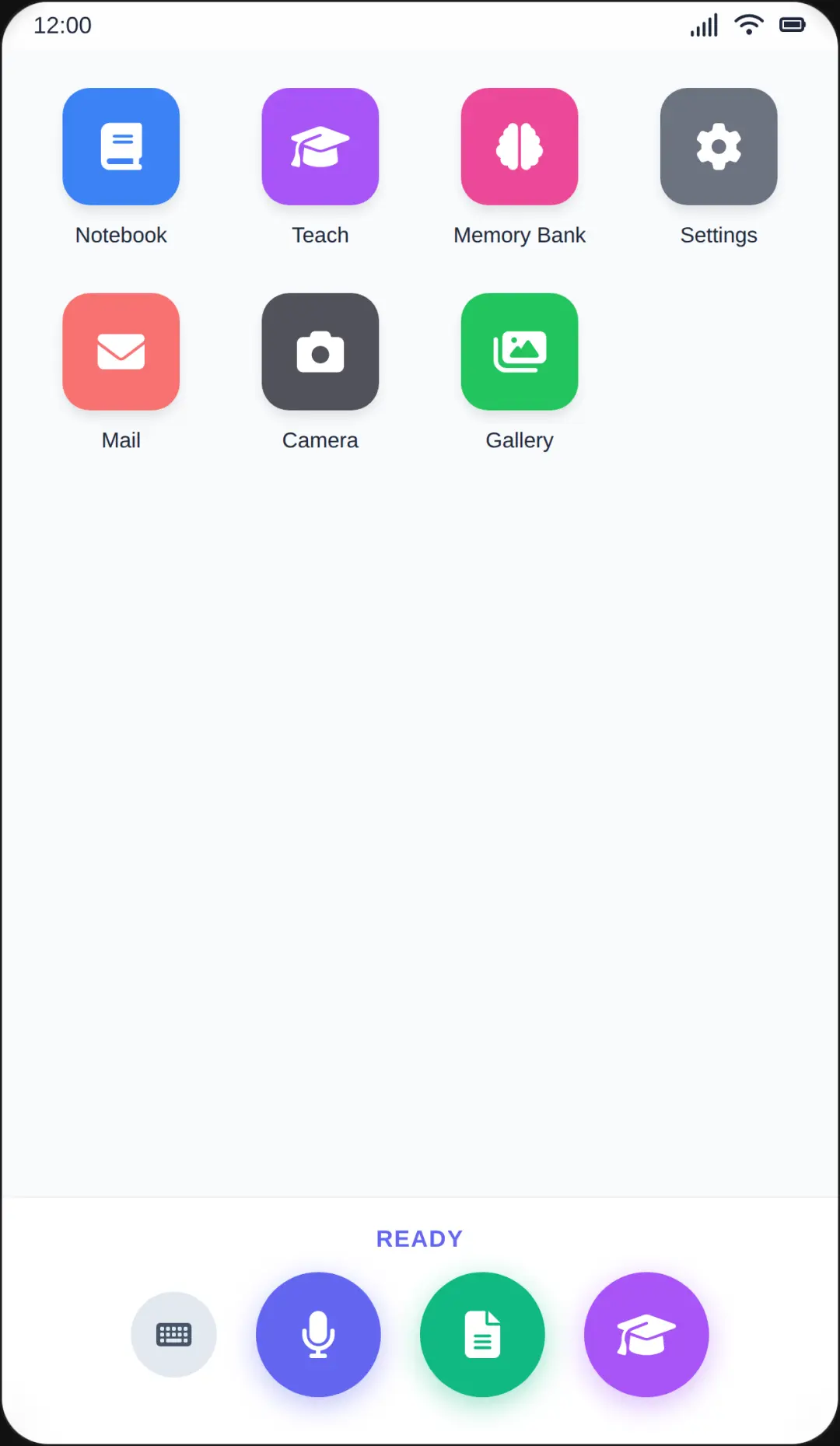
Learning how to play Sekai Phone Simulator is as easy as using a real smartphone. Simply use your mouse or touchscreen to interact with the vibrant home screen. Click or tap to open various apps like Messages, Gallery, or the built-in Calculator. To navigate through social media apps like the simulated TikTok feed, just click and drag to swipe up and down. The real magic happens in the Games app. Open it to access an arcade full of exciting titles. You can instantly launch games like Temple Run or Stick Runner, using standard keyboard controls or mouse swipes to jump, dodge, and slice. If you want more options, visit the simulated Play Store to install new mini games directly to your virtual home screen. There are no downloads required, making it the perfect sekai phone online free game to enjoy anywhere.
Tips & Tricks for Sekai Phone Simulator
To get the most out of your virtual device, try customizing your experience first. Head to the settings to change your wallpaper and toggle sound effects to make the interface feel truly yours. When playing the built-in mini games, remember that switching between apps doesn't reset your progress immediately, so you can pause your high score run to check a simulated text message. Don't forget to regularly check the App Store icon, as installing new games expands your home screen and keeps the gameplay fresh. If you love discovering hidden features in virtual operating systems, be sure to find similar other interactive experiences to keep the fun going all day long.


Unblock More Fun on Mobile!
Scan to Keep Playing!