
Loading game...
 henhen da maker
SekaiOS Emulator
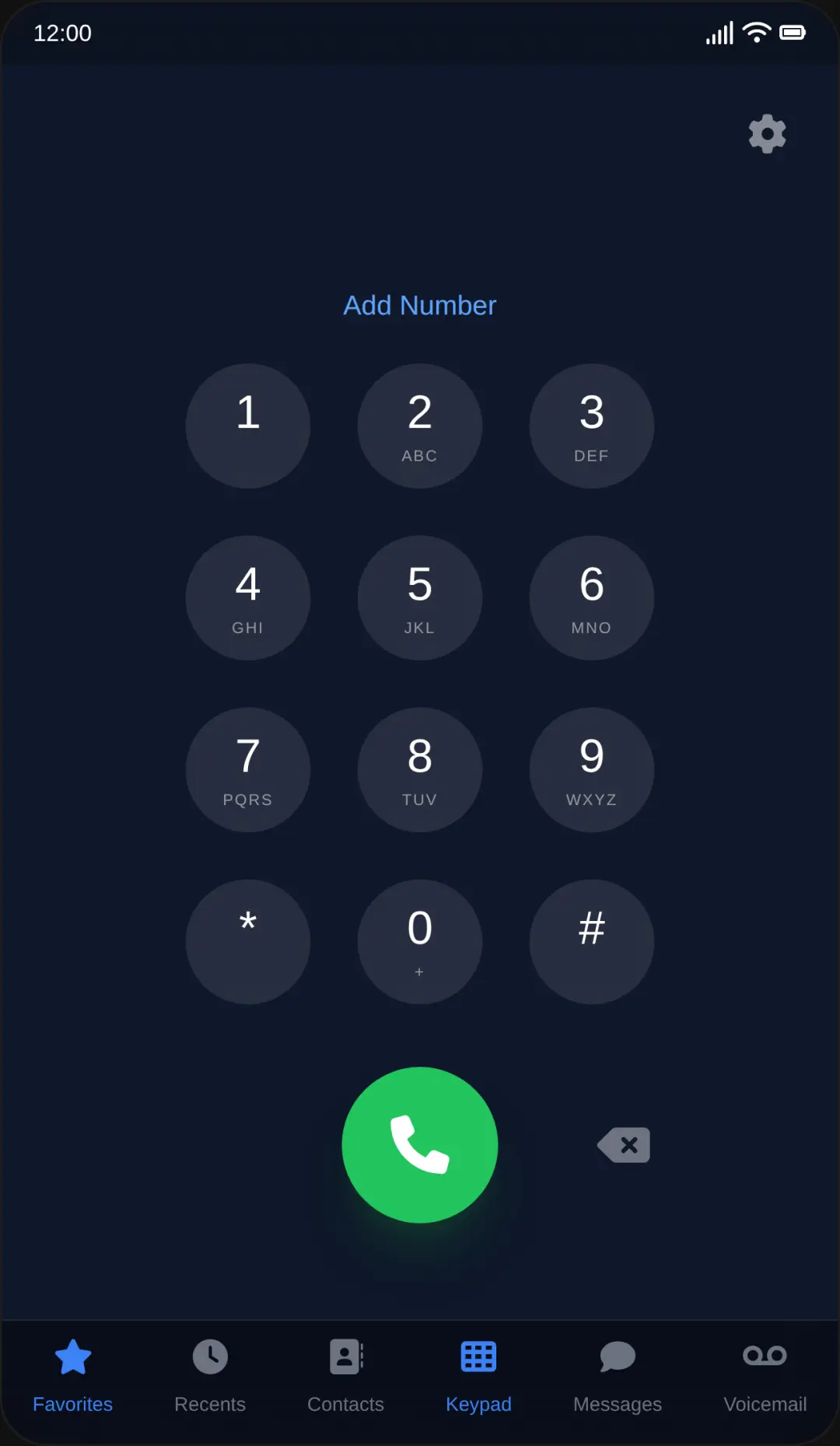
Welcome to SekaiOS Emulator, the ultimate web-based smartphone operating system simulator that brings a native mobile experience straight to your browser. Whether you are a UI design enthusiast or just looking for a cool interactive toy, this game offers an incredibly immersive interface. You can explore a fully functional home screen, browse a simulated Google search, watch virtual YouTube feeds, or even chat with the built-in AI assistant. It's a pure frontend masterpiece with smooth spring animations and dynamic wallpapers. If you love discovering unique interactive web experiences, you can explore more other right here on our platform. Jump in and customize your virtual phone today!
How to Play SekaiOS Emulator
Navigating SekaiOS Emulator is just as intuitive as using a real modern smartphone. Simply use your mouse to click or your touchscreen to tap on various app icons to open them. Once inside an application, you can interact with the interface just like you normally would. Use your keyboard to type queries in the simulated Google search or send messages to the Sekai AI chat assistant. To return to the main home screen, just click the home indicator bar located at the bottom of the screen. If you receive any system notifications, you can easily swipe up or click to dismiss them. The simulator also features a dynamic status bar and customizable wallpapers, allowing you to personalize the visual layout to match your own style perfectly.
Tips & Tricks for SekaiOS Emulator
To get the most out of your SekaiOS Emulator experience, take some time to explore the hidden interactive elements. Try typing different phrases into the Google search app to see how the skeleton loading animations work. Don't forget to test the AI chat assistant's automatic response logic by asking it various questions. For advanced users, the Iframe API allows you to dynamically modify metadata, completely changing the system's appearance and sound effects. Experiment with the dark mode in the Roblox lobby simulator for a sleek visual change. Ready for another unique adventure? Check out similar other to keep the fun going.

Unblock More Fun on Mobile!
Scan to Keep Playing!