
Loading game...
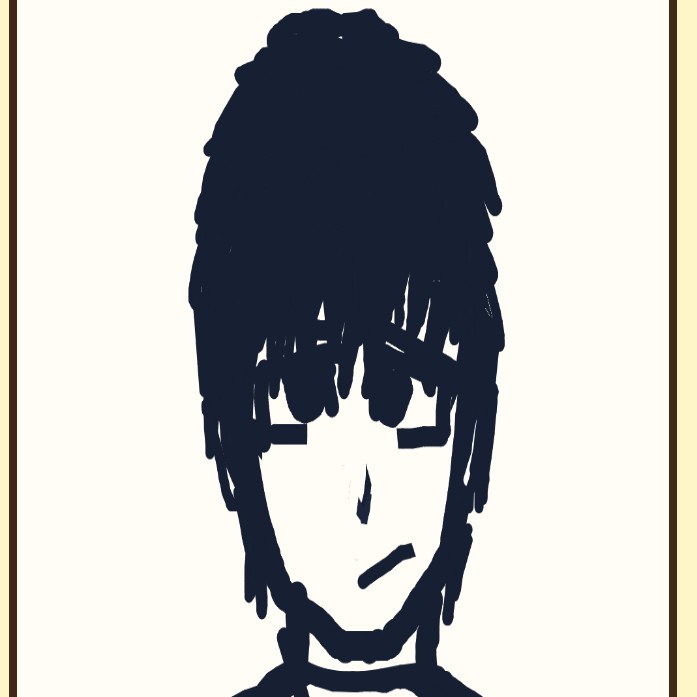 Veba4
Veba4SekaiPaint X
Welcome to SekaiPaint X, the ultimate free online drawing app that brings professional-grade digital art tools directly to your browser. Whether you are a seasoned illustrator or a casual doodler, this powerful web-based canvas offers an incredibly smooth experience without any downloads. Enjoy advanced features like a full layer management system, dynamic liquify effects, and a wide variety of custom brushes ranging from standard pencils to sparkling pixel markers. It's fully optimized for mobile devices with intuitive multi-touch gestures, letting your creativity flow anywhere. If you love expressing your artistic side, you can explore more creative tools to elevate your digital artwork and find new ways to bring your imagination to life.
How to Play SekaiPaint X
Learning how to use SekaiPaint X is incredibly easy, thanks to its clean, mobile-first responsive design. Start by opening the app in your browser to instantly access your paper-textured canvas. Use your mouse or touchscreen to draw freely. To navigate, utilize multi-touch gestures to zoom, pan, and rotate your workspace seamlessly. The floating toolbar on the screen lets you quickly switch between different tools like the lasso, smart rulers, and various brushes. Tap the bottom color menu to choose your perfect shade, and open the side panel to add, delete, or adjust the opacity of your layers. You can even import local images to trace or edit. Don't forget to save your masterpiece using one of the 250 local save slots available directly in your browser.
Tips & Tricks for SekaiPaint X
Master this free drawing app with a few handy techniques. First, take advantage of the advanced liquify and smudge tools to add dynamic effects and correct proportions without redrawing. Second, utilize the smart ruler system for perfect circles, squares, and straight lines, which is perfect for architectural sketches or comic panels. Third, participate in the SekaiPaint X daily drawing challenge to spark your inspiration and improve your skills consistently. Finally, always organize your complex artworks by separating line art, base colors, and shading into distinct layers. Ready to expand your artistic arsenal? Be sure to check out other amazing creative tools to keep your inspiration flowing and discover new web-based utilities.


Unblock More Fun on Mobile!
Scan to Keep Playing!