
Loading game...
 FAHHHH
The Noob's Quest
Dive into the ultimate 3D sandbox adventure when you play The Noob's Quest online. This Roblox-inspired game seamlessly blends narrative-driven RPG gameplay with open-ended exploration. Whether you want to complete engaging story quests, drive fast vehicles across themed environments, or challenge multi-phase bosses like Sonic.EXE and PVZ Zombies, this game delivers non-stop excitement. Jump into Free Play mode to explore portal worlds, or use the hidden Owner Console for a god-like power trip. Earn coins to unlock iconic internet characters and unique weapons. If you crave more thrilling combat and intense boss fights, you can discover more action games that will test your gaming skills.
How to Play The Noob's Quest
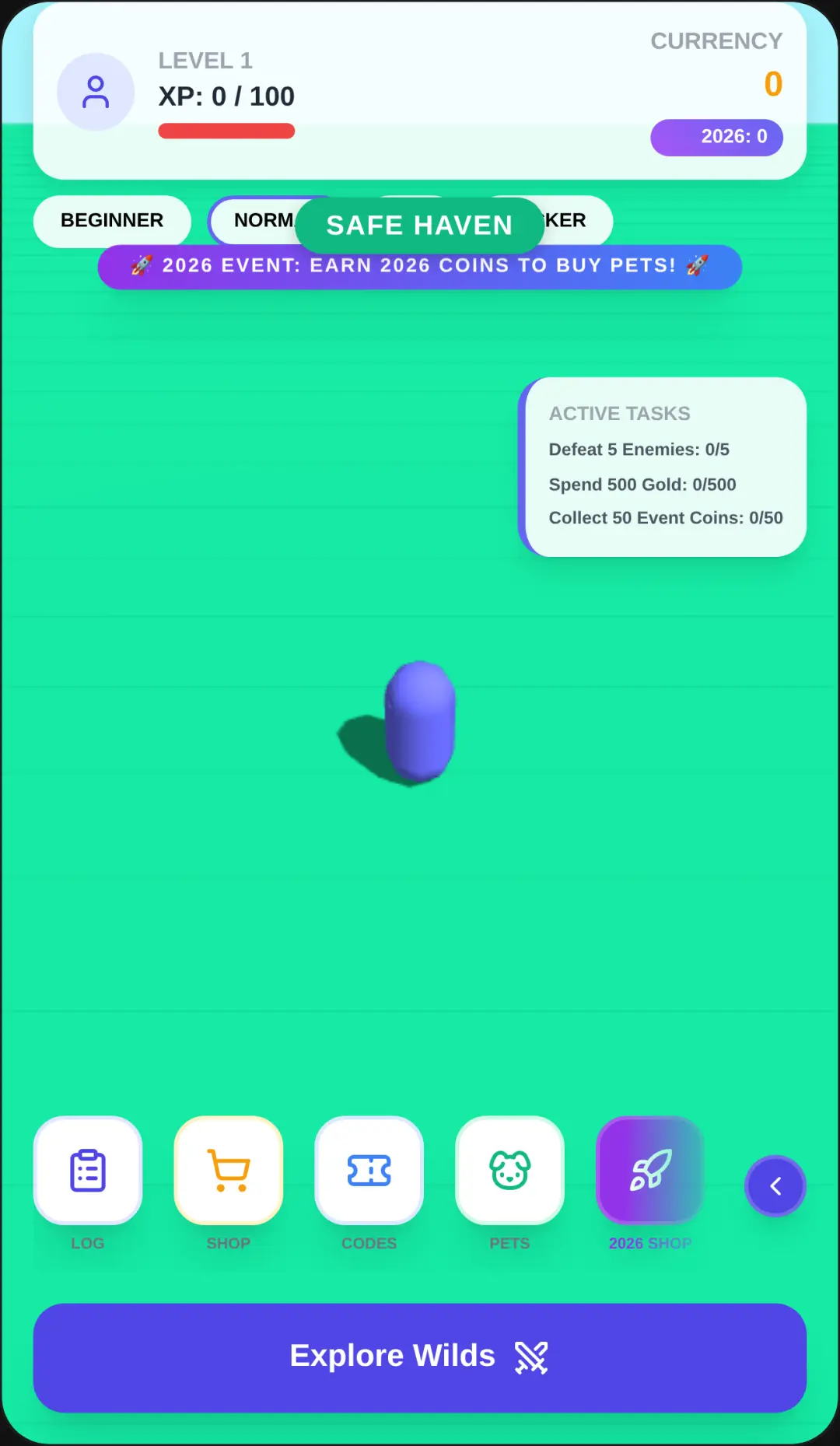
Mastering the controls in this exciting 3D action adventure is simple. Use the virtual joystick to move your blocky character or drive vehicles around the sandbox world. For combat and interactions, rely on the on-screen action buttons to slash enemies, throw projectiles, shoot weapons, and charge your power attacks. You can also easily switch weapons on the fly during intense boss battles. Navigate the modern user interface using touch or click controls to buy new internet culture icons from the shop or select dialog choices during story quests. Proximity-based interactions allow you to find hidden items and trigger cinematic cutscenes seamlessly. Start in Story Mode to learn the basics, then jump into the Public Server mode to test your combat skills in massive arena boss rushes against diverse enemies.
Tips & Tricks for The Noob's Quest
To dominate all boss fights, always keep moving to dodge dynamic attack patterns and memorize enemy phases. Save your coins early in the game to purchase high-tier characters like Titan Speakerman, as their unique abilities are crucial for surviving later waves. Don't forget to experiment with the Owner Console commands in Free Play mode to spawn overpowered weapons and test different combat strategies without risk. Adjusting your graphics settings to medium can also help maintain a smooth framerate during chaotic multiplayer arena battles. Ready for another high-octane challenge? Dive in and explore similar action games for endless entertainment.

Unblock More Fun on Mobile!
Scan to Keep Playing!