
Loading game...
The Voice: Interactive Horror
Are you ready to play the voice game that will test your nerves? The Voice: Interactive Horror Unblocked is a terrifying interactive horror game where your actual voice is the only thing keeping you alive. In this short but intense narrative experience, you will turn off a virtual lamp and listen to a deeply unsettling story. As the tension builds, you must use your device's microphone to speak or scream at precise moments to survive the approaching monster. If you fail, prepare for a heart-pounding jumpscare. It's a unique blend of storytelling and physical interaction. If you enjoy intense thrillers, you can explore more action games with gripping gameplay on our platform.
How to Play The Voice: Interactive Horror
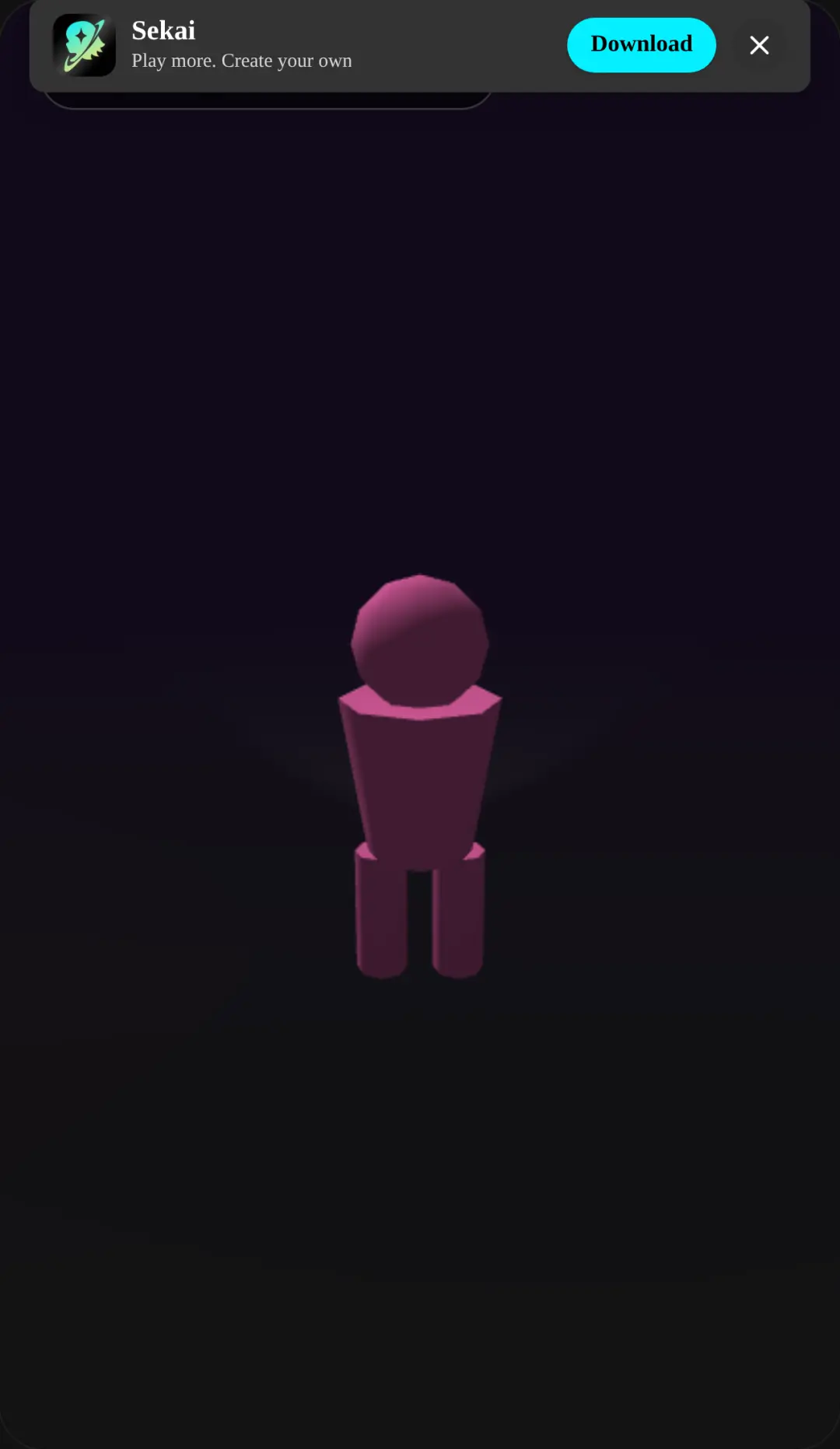
Learning how to play the voice game is simple, but surviving is the real challenge. First, grant the game permission to access your device's microphone, as this is a microphone horror game that relies on real-time audio input. Tap the screen to start the experience and turn off the virtual bedroom lamp to plunge yourself into darkness. Pay close attention to the eerie narrator as the story unfolds. Throughout the narrative, you will see a pulsing red microphone icon appear on the screen. This is your survival prompt. When the UI flashes, you must immediately speak, shout, or scream into your microphone to ward off the monster. Timing is everything. If you hesitate or your voice isn't loud enough, you won't survive the night. Make sure you're in a quiet room so the microphone picks up your voice clearly when it matters most.
Tips & Tricks for The Voice: Interactive Horror
To master this interactive horror game, you need quick reflexes and a steady voice. First, wear headphones to fully experience the procedural sound effects and spatial audio, which will help you anticipate the monster's arrival. Second, don't scream too early. Wait exactly for the pulsing red UI prompt to appear before making noise, or the game might not register your input correctly. Third, test your microphone settings before starting to ensure your browser has full access. Finally, embrace the fear and let out a genuine shout for the best experience! If you survive the night, be sure to find similar action games to keep your adrenaline pumping.


Unblock More Fun on Mobile!
Scan to Keep Playing!