
Loading game...
 Daniel Hudson
ToonProp Studio
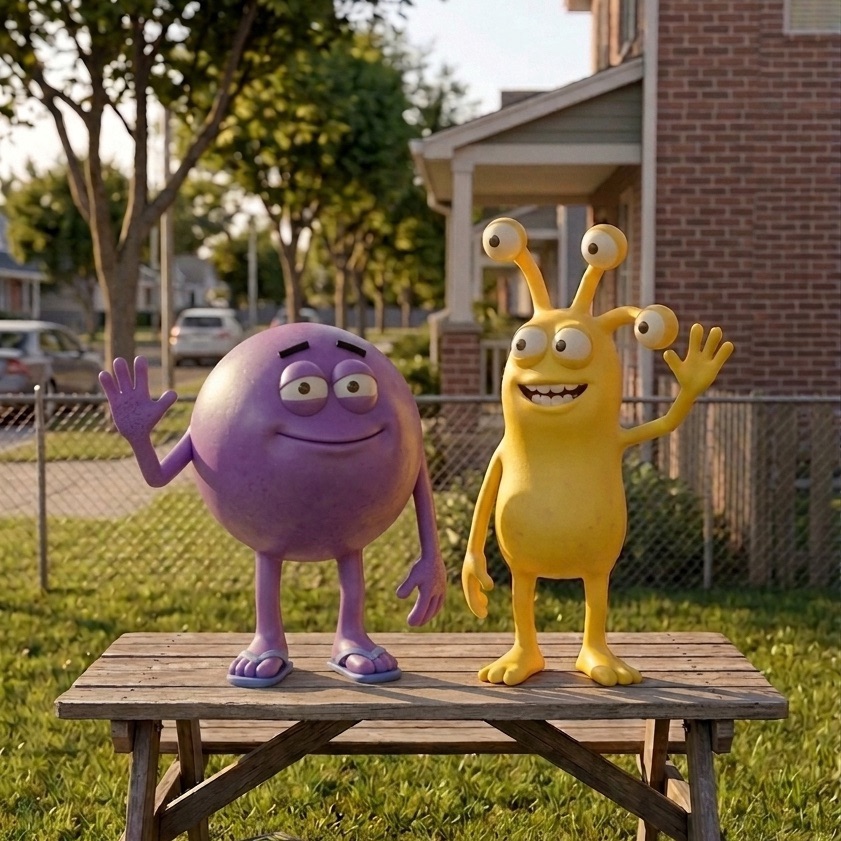
Welcome to ToonProp Studio, the ultimate AI image generator that effortlessly transforms your everyday photos into professional-grade 2D animation assets. Whether you are an indie game developer, a seasoned animator, or just a creative enthusiast, this browser-based tool requires absolutely no drawing skills. With a sleek, mobile-friendly interface featuring a drafting paper grid and smooth scanline effects, generating custom props is easier than ever. You can instantly turn real-world objects into stunning cartoon visuals or use text prompts to create entirely new assets from scratch. If you love experimenting with visual creativity, you can explore more ai photo tools to elevate your digital art projects today.
How to Play ToonProp Studio
Getting started with ToonProp Studio online is a seamless and highly intuitive process. First, choose between the Capture mode and the Workshop mode directly from the main menu. In Capture mode, simply use your device's camera to take a photo of a real-world object, or upload an existing image from your gallery. The AI will instantly process it into a cartoon asset. If you prefer the Workshop mode, type a detailed text description of the prop you want to create. Next, select your preferred art style preset, ranging from classic Cel Shaded and Anime to unique Claymation and Pixel Art. Once the AI generates your masterpiece, use the built-in Snapdom feature to export your new asset with a transparent background, ready to be dropped straight into your animation or game development project.
Tips & Tricks for ToonProp Studio
To get the absolute best results from this AI image generator, keep your text prompts as specific as possible in Workshop mode. Mention lighting, materials, and exact colors to guide the AI's output. When using Capture mode, ensure your real-world object is well-lit and placed against a solid, contrasting background so the tool can easily isolate the item. Don't be afraid to experiment with different art style presets on the same prompt to discover unexpected and inspiring variations. Finally, always utilize the Snapdom export feature to save time on manual background removal. Ready for more creative adventures? Check out other free ai photo tools to expand your digital toolkit.

Unblock More Fun on Mobile!
Scan to Keep Playing!