
Loading game...
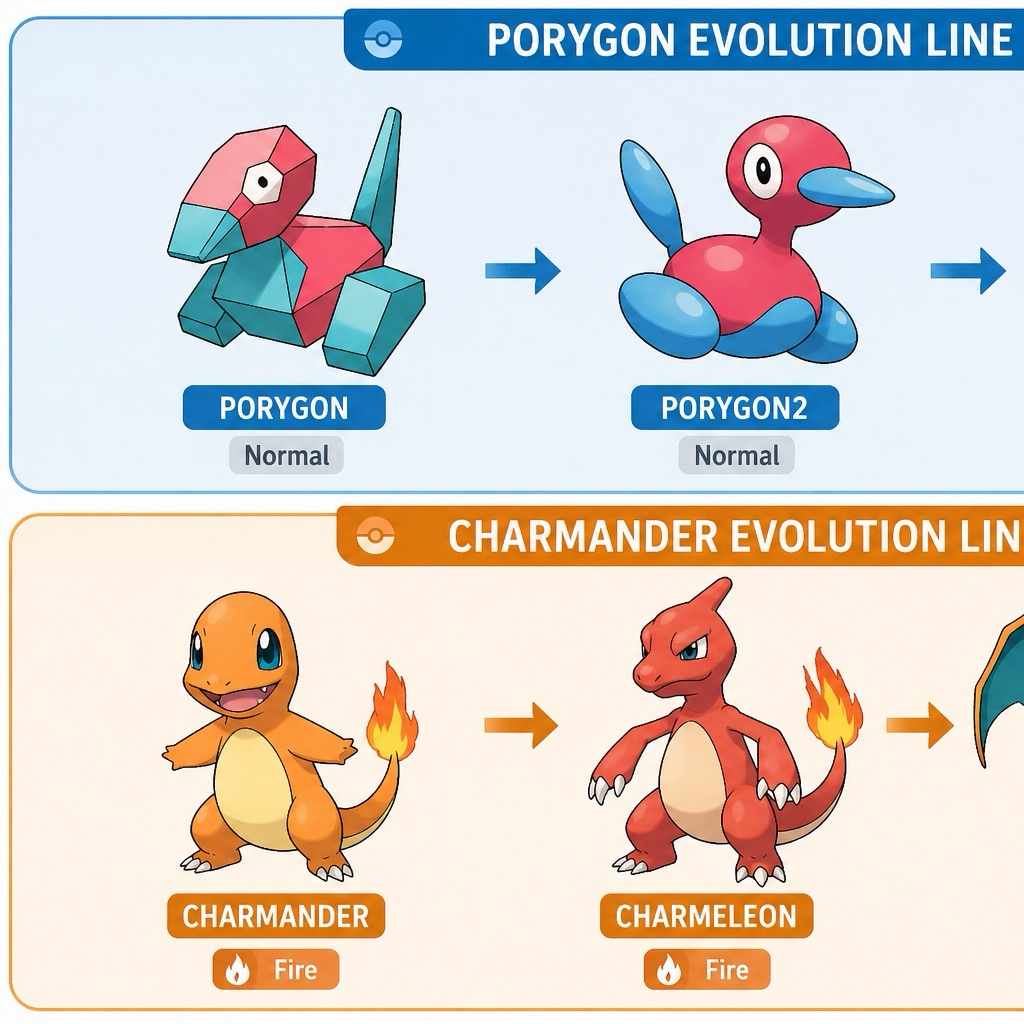 A porygon and Charmander
Video Viewer Every game over Mario Version 0.2
Dive into gaming history with Video Viewer Every Game Over Mario, the ultimate interactive compilation for retro fans. If you have ever wanted to examine every single mario game over screen in detail, this custom player is built exactly for you. You don't just watch; you take full control. With advanced features like seamless zooming, panning, and granular playback speed adjustments, you can analyze every pixel of these iconic moments. Whether you are looking to play mario free in your browser or just want to relive the classic defeats, this tool delivers a unique nostalgic experience. Ready for more ambient experiences? You can explore more other interactive viewers to satisfy your curiosity.
How to Play Video Viewer Every Game Over Mario
Navigating the Video Viewer Every Game Over Mario is incredibly intuitive and designed for maximum interactivity. Start by loading the mario game over compilation video directly in your browser, with no downloads required. Once the video begins, you can use your mouse or touchscreen to interact with the minimalist UI. Click and drag across the screen to pan around the video, or use the scroll wheel and pinch gestures to zoom in on specific details of Mario's iconic defeats. To adjust the pacing, simply manipulate the speed slider located in the overlay menu, allowing you to slow things down to 0.25x or speed them up to 2x. You can easily skip between different multi-part segments using the navigation controls. Don't forget to use the built-in star rating system to rank your favorite scenes and share them with fellow retro gamers.
Tips & Tricks for Video Viewer Every Game Over Mario
To get the most out of your interactive mario game over viewer experience, try slowing the playback speed down to 0.25x during complex animations. This allows you to catch hidden graphical details you might normally miss. Use the drag-to-pan feature while zoomed in to closely inspect the retro pixel art without losing your place in the timeline. If you are watching on a mobile device, make sure your haptic feedback is enabled to feel every classic bump and crash. Finally, take advantage of the multi-part navigation to quickly jump to your favorite console eras. If you enjoyed this unique tool, be sure to check out similar other ambient games for more relaxing and interactive web experiences.

Unblock More Fun on Mobile!
Scan to Keep Playing!