
Loading game...
 Kévin
KévinVoice Router AI
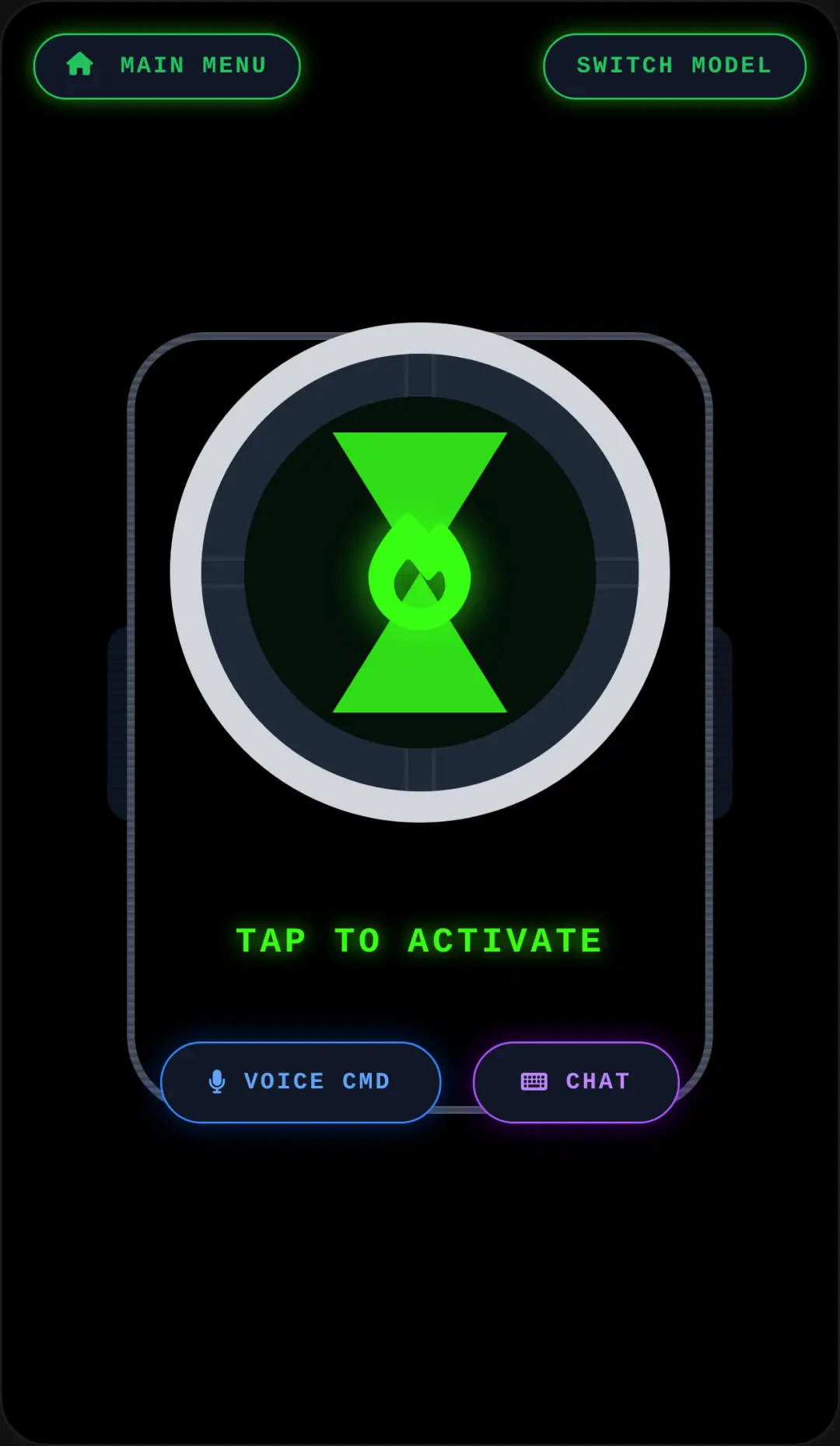
Step into the future of productivity with Voice Router AI, a cutting-edge AI router simulator that transforms how you interact with web content. This innovative prototype lets you experience a seamless voice-activated interface right from your browser. Simply select text from a simulated article, tap the microphone, and use custom voice commands to send data to powerful tools like ChatGPT, NotebookLM, or Genspark. Whether you are a tech enthusiast or a UX designer exploring new interaction models, this tool offers a polished, mobile-first experience with realistic visual and audio feedback. Ready to discover more unique concepts? You can explore more other innovative tools in our collection.
How to Play Voice Router AI
Learning how to use Voice Router AI is incredibly intuitive thanks to its clean, mobile-first design. Start by interacting with the simulated web article on your screen. Click and drag or touch to select the specific text you want to process. Once your text is highlighted, locate the floating action bar and tap the animated microphone button. Speak your voice command clearly to dictate where you want the information sent. The simulator will process your input and instantly display a dynamic result modal, showing the routed application and the payload data. You will also hear realistic audio sound effects for actions like turning the microphone on and off, or when a command succeeds. It's a perfect way to test out seamless application routing without needing to download anything.
Tips & Tricks for Voice Router AI
To get the most out of this voice router online experience, try experimenting with different selection methods. Use a long press to bring up the custom context menu, allowing you to quickly copy or select all text before routing. Familiarize yourself with the best voice commands for voice router by testing various destination apps like ChatGPT or Genspark to see how the dynamic modal updates the payload. Pay attention to the smooth CSS animations and audio cues, as they provide valuable feedback on your actions. If you enjoy testing out creative prototypes like this one, be sure to check out similar other interactive simulators to keep the fun going.



Unblock More Fun on Mobile!
Scan to Keep Playing!