
Loading game...
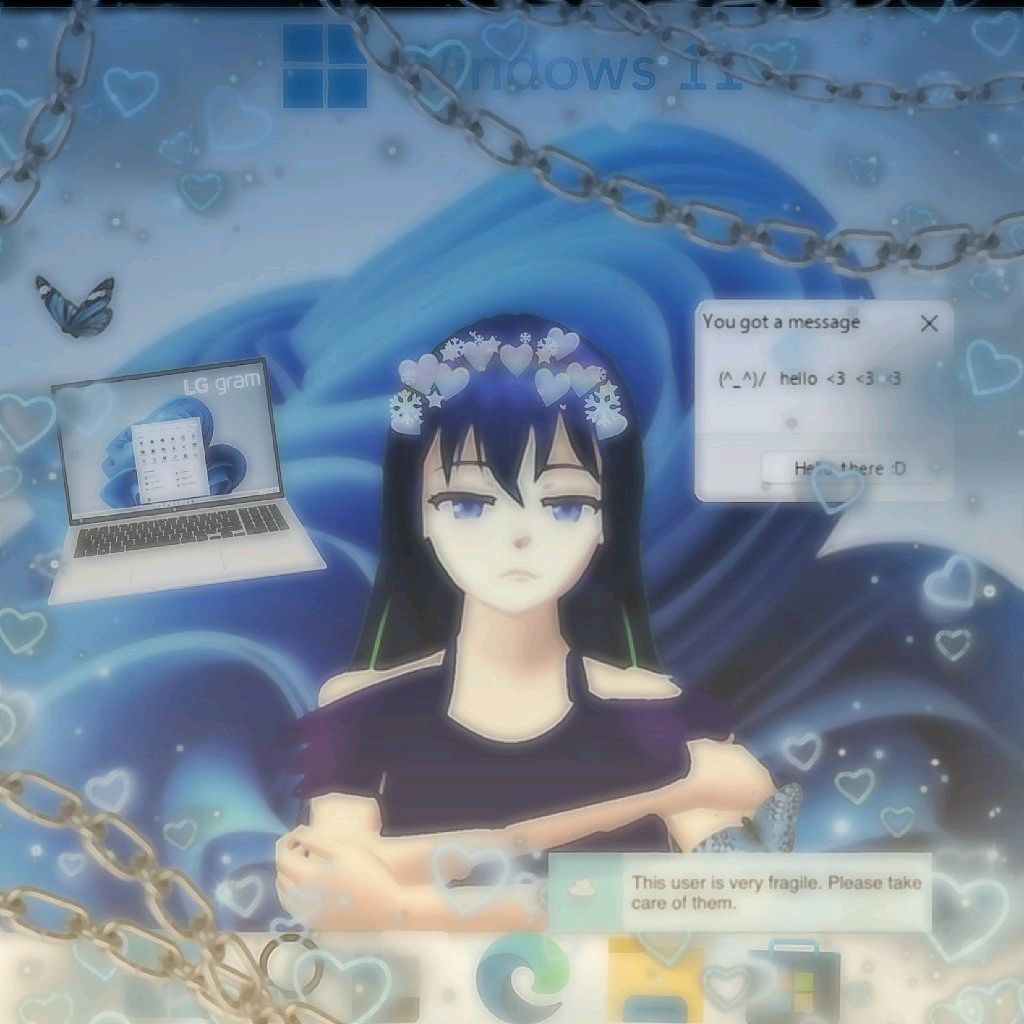 ꧁✿🫐𝓑𝓵𝓾𝓮𝓫𝓮𝓻𝓻𝔂🧊✲꧂
Windows OS Cozy Series
Welcome to the Windows OS Cozy Series, a heartwarming visual novel that reimagines your favorite operating systems as adorable characters. Dive into a charming interactive storybook where Windows 10 and Windows 11 share sweet, daily moments. This unique game transforms mundane computer tasks like disk defragmentation and system updates into a romantic and relaxing narrative. Featuring pastel backgrounds, glassmorphism UI, and soothing lofi music, it offers a truly wholesome reading experience. Whether you are a tech enthusiast or just looking for a relaxing escape, this game provides the perfect cozy atmosphere. If you love narrative-driven adventures, you can easily explore more story games on our platform.
How to Play Windows OS Cozy Series
Playing the Windows OS Cozy Series is incredibly simple and relaxing. Since it functions as an interactive storybook, your main goal is to read and enjoy the unfolding narrative. To progress through the 30 delightful chapters, just click the on-screen next and previous buttons. If you are playing on a mobile device, you can easily swipe left or right on your touchscreen to turn the pages. Keep an eye on the top progress bar to track your journey through the episodes. The game automatically saves your reading progress, so you won't ever lose your place if you need to take a break. Make sure to turn on your sound to fully experience the relaxing lofi background music and satisfying page-turning sound effects. Once you reach the ending, use the special Share Moment feature to capture and share your favorite scenes with friends.
Tips & Tricks for Windows OS Cozy Series
To get the most out of the Windows OS Cozy Series, try wearing headphones. The lofi beats and programmatically generated audio effects deeply enhance the immersive, relaxing vibe. Take your time reading the dialogue; there is no time limit, so you can fully appreciate the beautiful pastel art and smooth animations. Pay attention to the clever tech references hidden in the character interactions, as they make the story even more charming for Windows fans. Don't forget to utilize the screenshot feature at the end to create beautiful mementos of your journey. If you enjoyed this wholesome experience, be sure to check out similar story games to keep the cozy fun going.



Unblock More Fun on Mobile!
Scan to Keep Playing!