
Loading game...
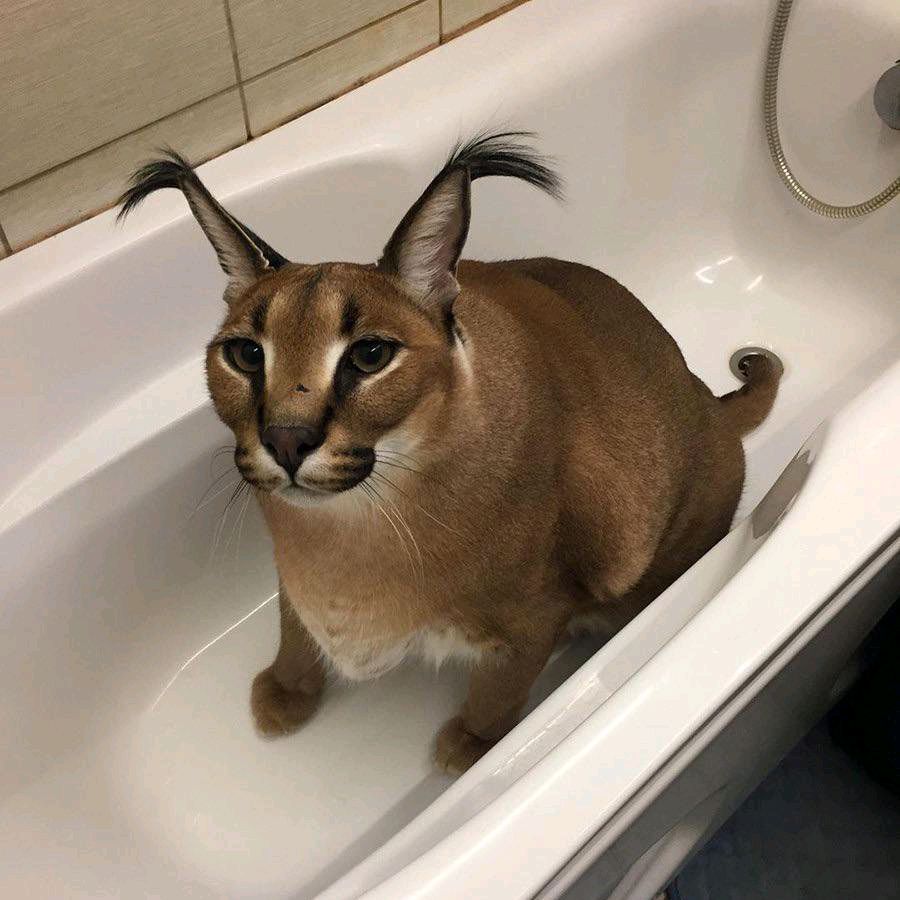 THE Floppa cat
Windows XP Online
Step back in time with Windows XP Online, the ultimate retro OS simulator that brings the early 2000s computing experience to your browser. This isn't just a visual shell; it's an interactive sandbox loaded with nostalgia. You can explore a functional desktop, change classic themes, and trigger a hilarious virus prank hidden in the fake Internet Explorer. Better yet, it comes packed with playable mini-games, including 3D Minecraft clones, Flappy Bird, and the timeless MS Paint. Whether you're a retro enthusiast or a casual gamer, this emulator has it all. If you love unique sandboxes, you can explore more other interactive experiences on our platform.
How to Play Windows XP Online
Navigating this Windows XP emulator is incredibly intuitive, especially if you're familiar with classic desktop environments. Simply use your mouse or touchscreen to point and click on various desktop icons to launch applications. You can drag and drop windows to organize your workspace, just like the real thing. To play the built-in mini-games, double-click their shortcuts on the desktop. Games like Angry Birds use a simple drag-to-shoot mechanic, while the 3D Minecraft simulator utilizes on-screen virtual joysticks and action buttons for movement and block placement. Don't forget to check out the Start menu to access customizable settings, where you can easily swap out wallpapers and apply iconic themes like Luna, Olive, or Silver. For a fun surprise, open the fake Internet Explorer and type specific keywords using your keyboard to discover hidden easter eggs and internet pranks.
Tips & Tricks for Windows XP Online
To get the most out of your Windows XP simulator experience, try these handy tricks. First, search for the word virus in the fake Internet Explorer to trigger a massive, chaotic pop-up prank that ends in the infamous Blue Screen of Death. Second, take advantage of the fully functional taskbar by right-clicking to pin your favorite mini-games for quick access. Third, experiment with running multiple applications simultaneously; the engine easily handles having MS Paint and Flappy Bird open in draggable windows at the same time. Finally, dive into the display properties to find classic avatars and backgrounds. When you're ready for a new adventure, be sure to check out similar other retro titles to keep the fun going.

Unblock More Fun on Mobile!
Scan to Keep Playing!